
Seedance 2 Pro Video Generator
Choose a current video model, inspect its input modes, duration, resolution, audio and credit controls, then review the returned clip before use.
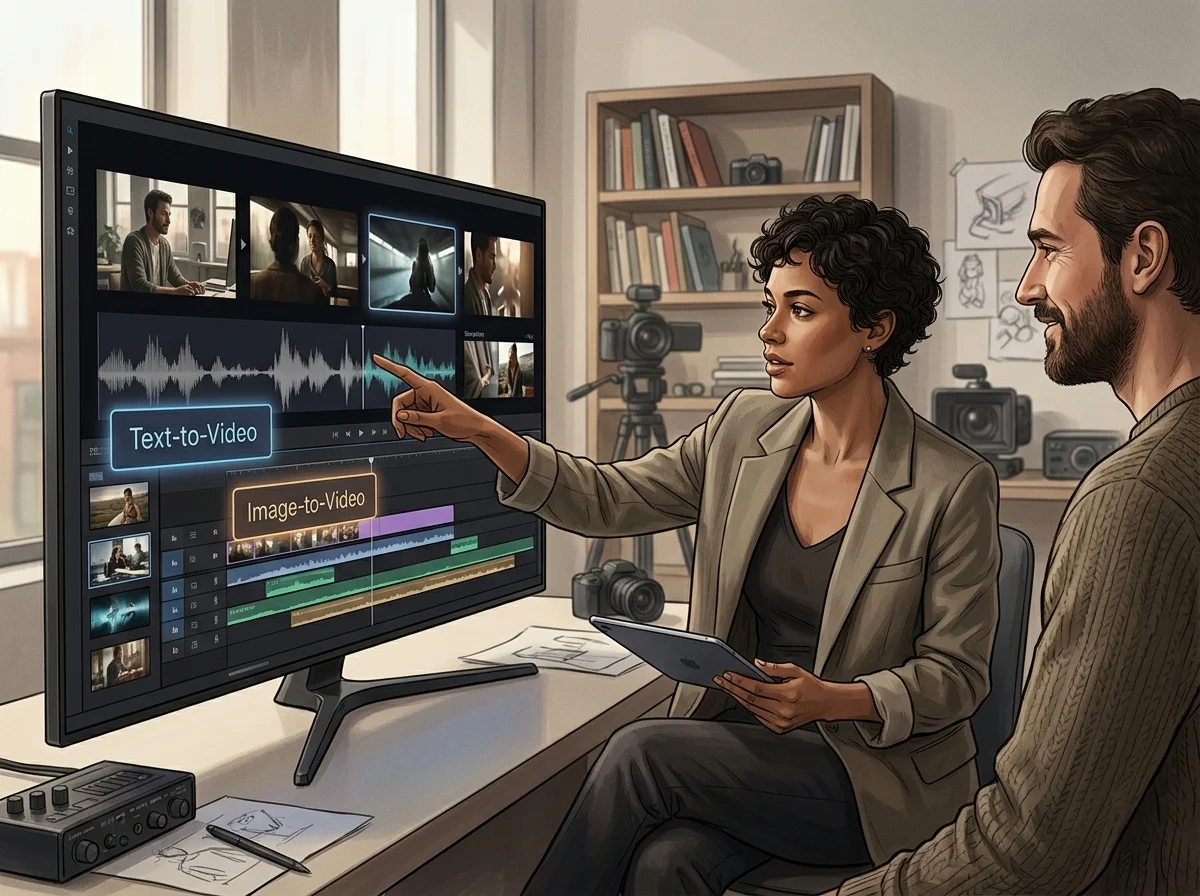
What the Seedance 2 Pro video generator accepts
This page is about operating the Seedance 2 Pro video generator - the inputs it takes, the controls that change a result, and the loop that gets you from a first take to a usable one. What the model is and how it compares is covered on the home page.
Model-specific input modes
Text, image, video and audio inputs appear only where the selected model supports them. Changing models can change the entire form.
Controls that change cost and output
Aspect ratio, duration, resolution, audio and reference settings vary by model and can change the credit estimate as well as the result.
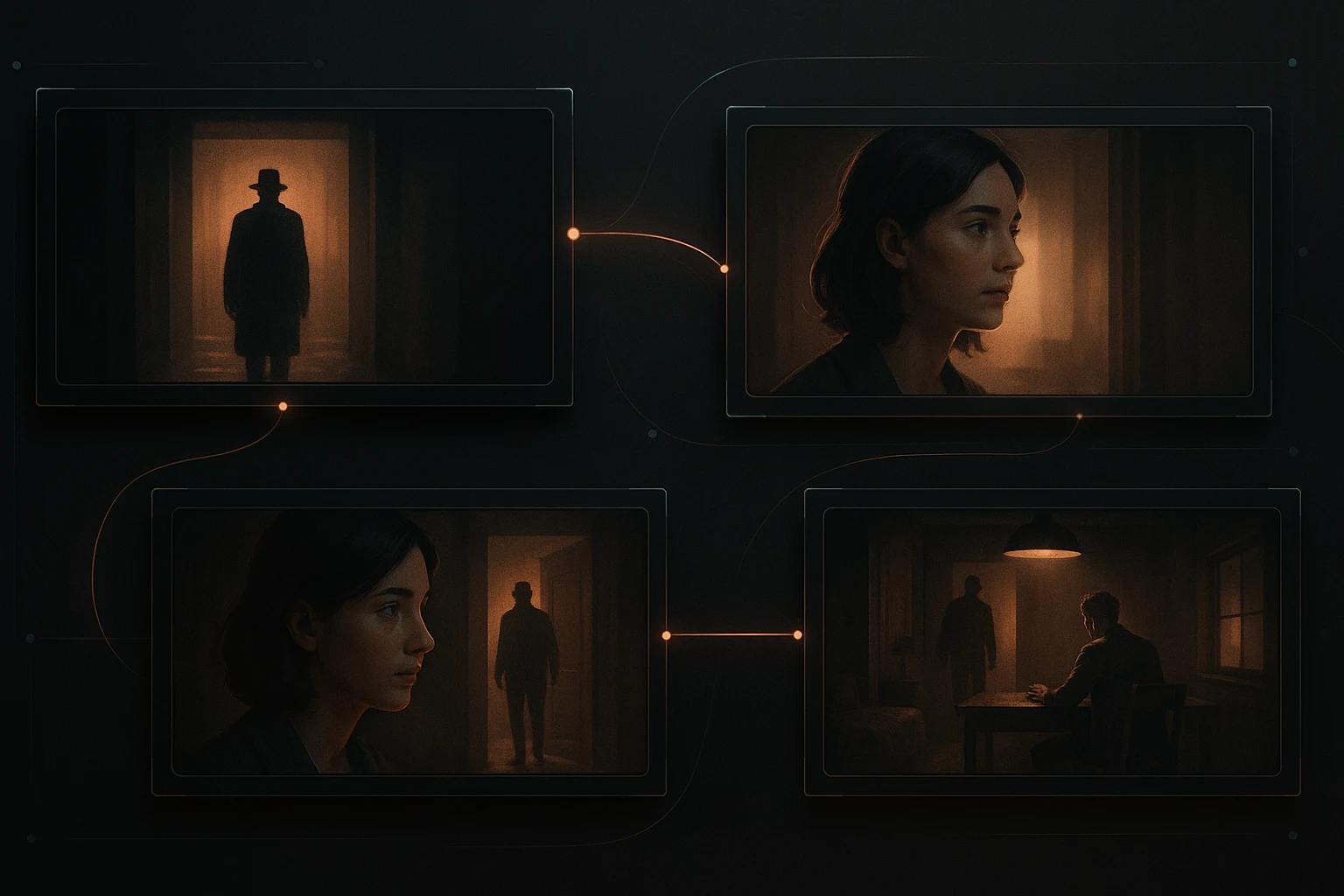
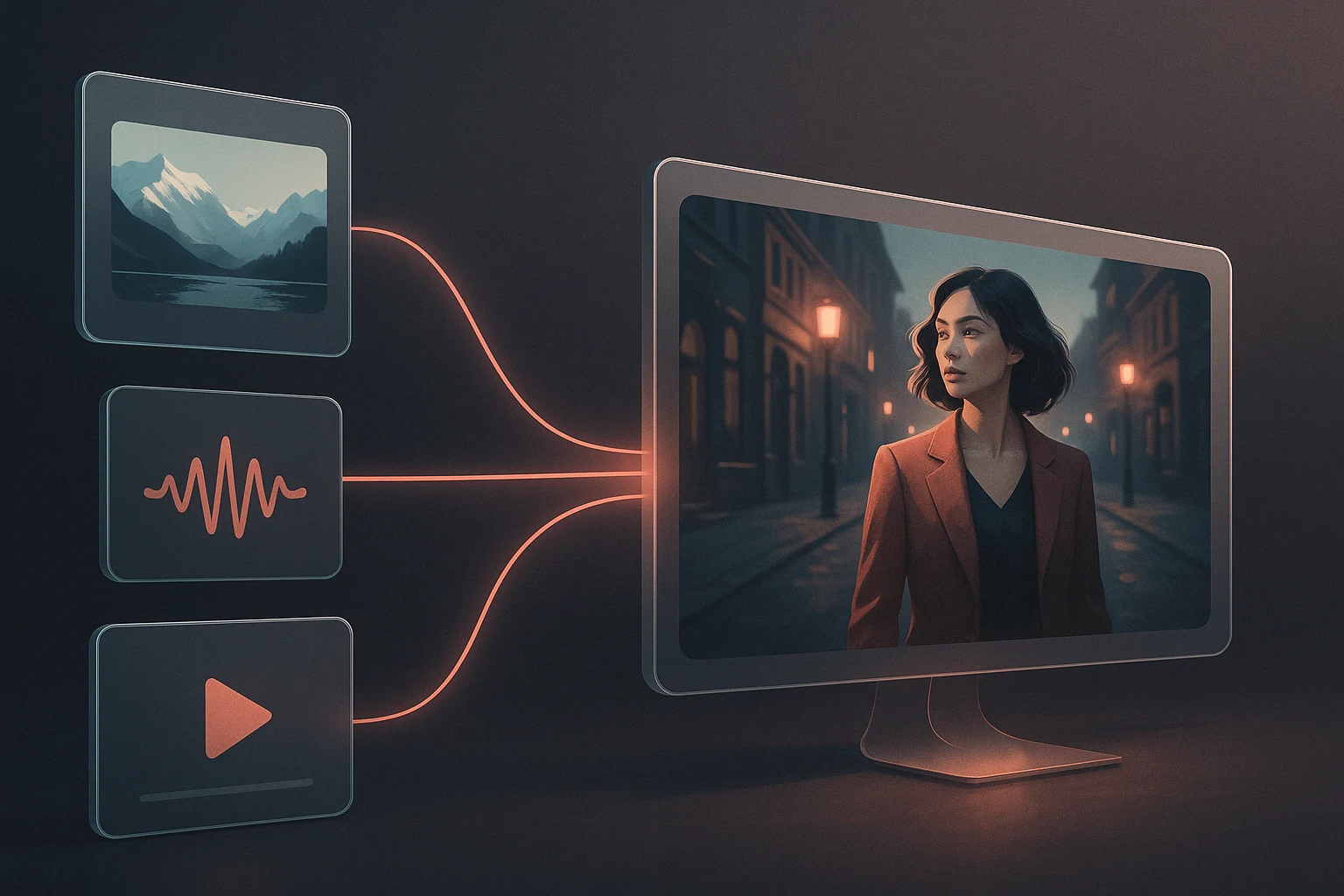
Seedance 2.0 reference limits
Its reference mode accepts up to 9 images, 3 videos and 3 audio files; first/last-frame mode accepts one or two images.
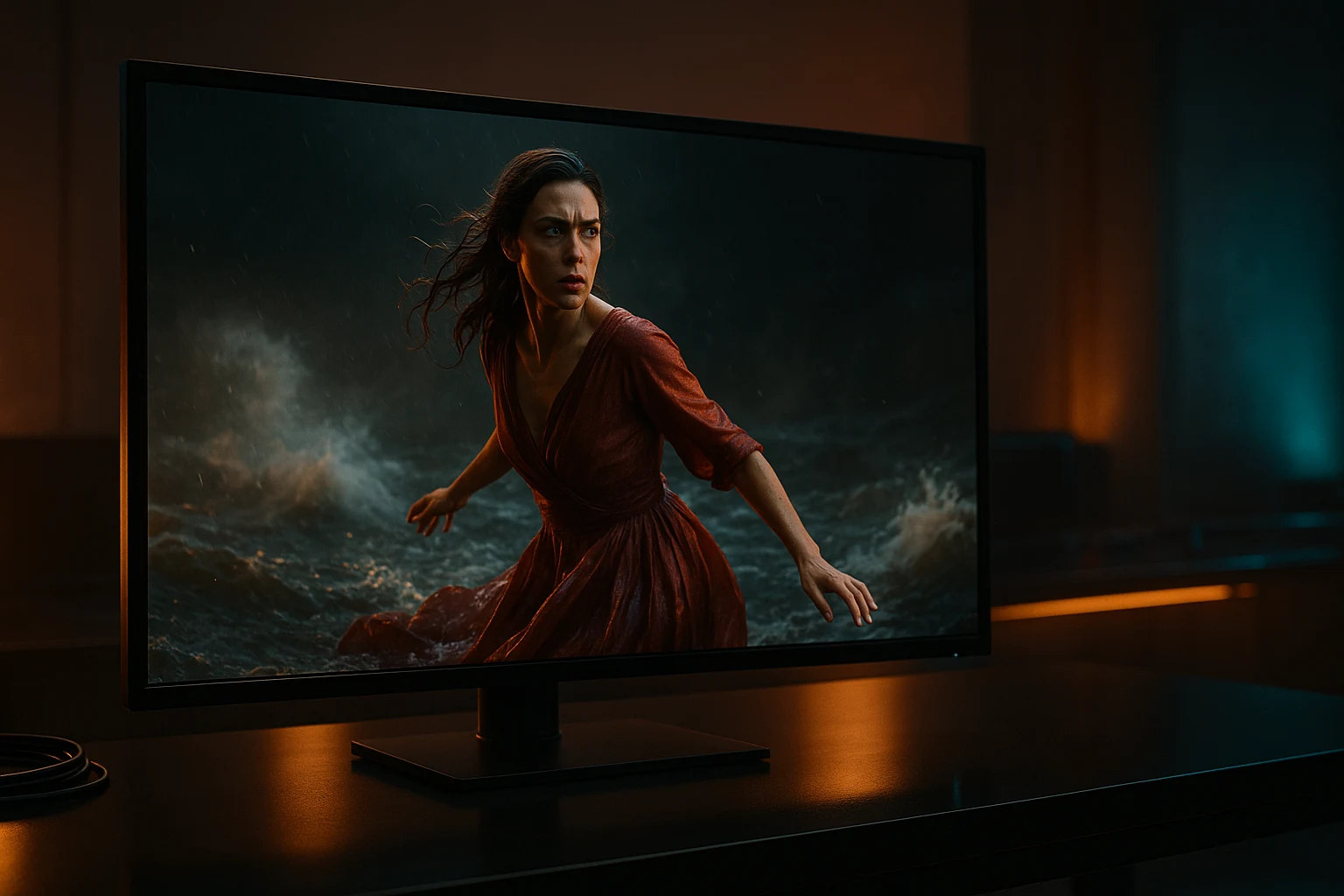
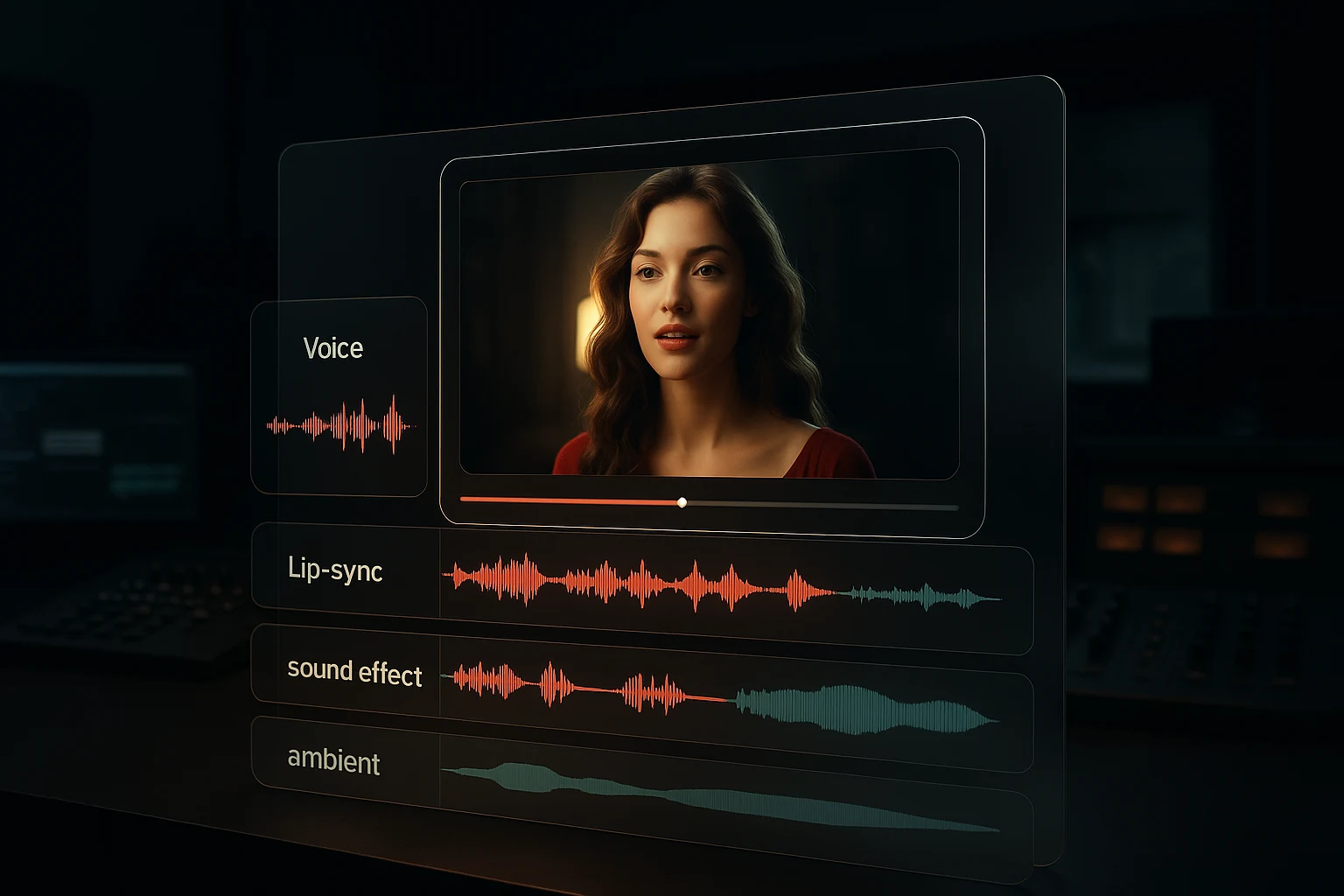
Optional generated audio
Seedance 2.0 exposes a generated-audio switch. Other models may expose different audio behavior or none, so check the form and returned clip.
What Changes When You Direct It Properly
The difference between a first take and a usable one is almost always an input, not the model.
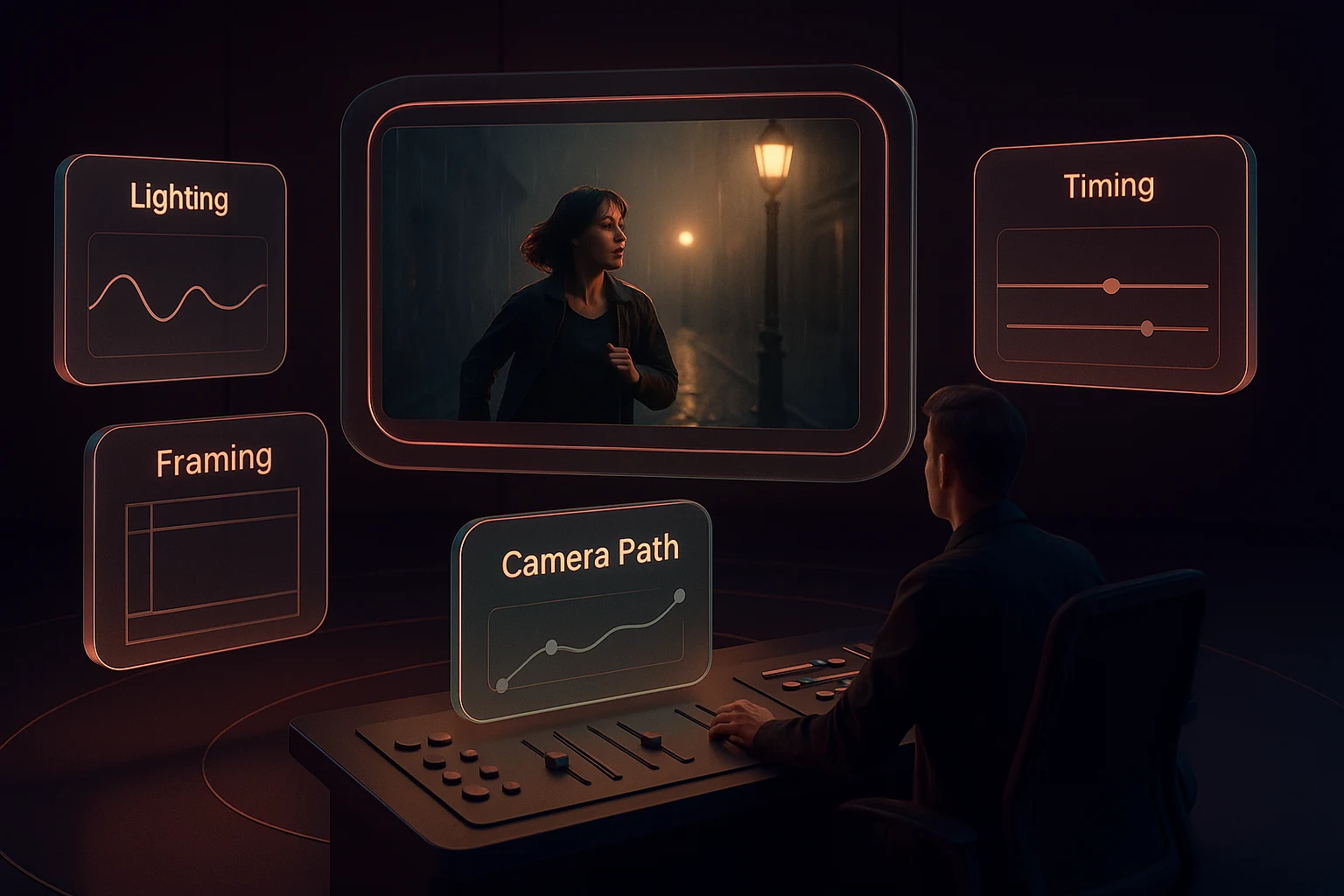
How to Run a Generation
The working loop, in the order that wastes the fewest credits.
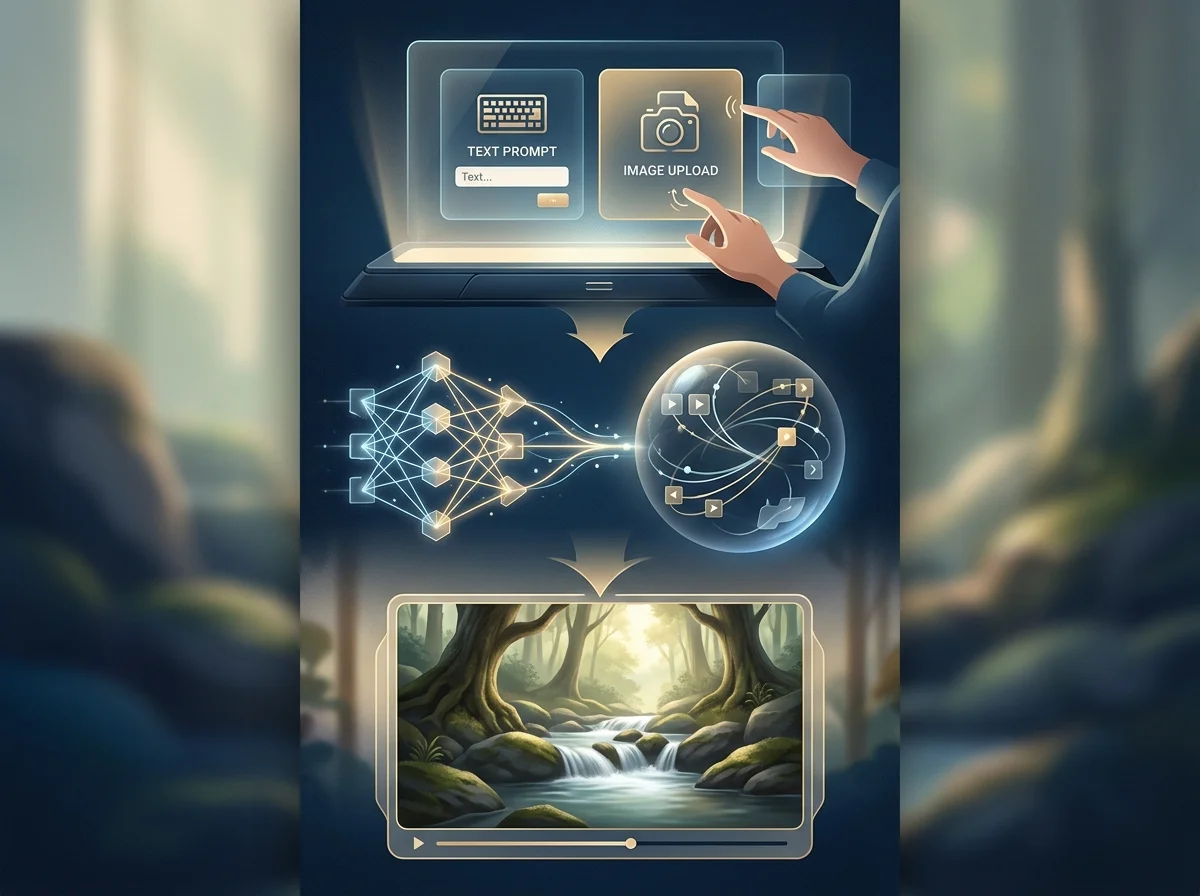

Pick the input before the prompt
Decide whether you are starting from a description, a frame, or a reference set. This decides everything else about the prompt.
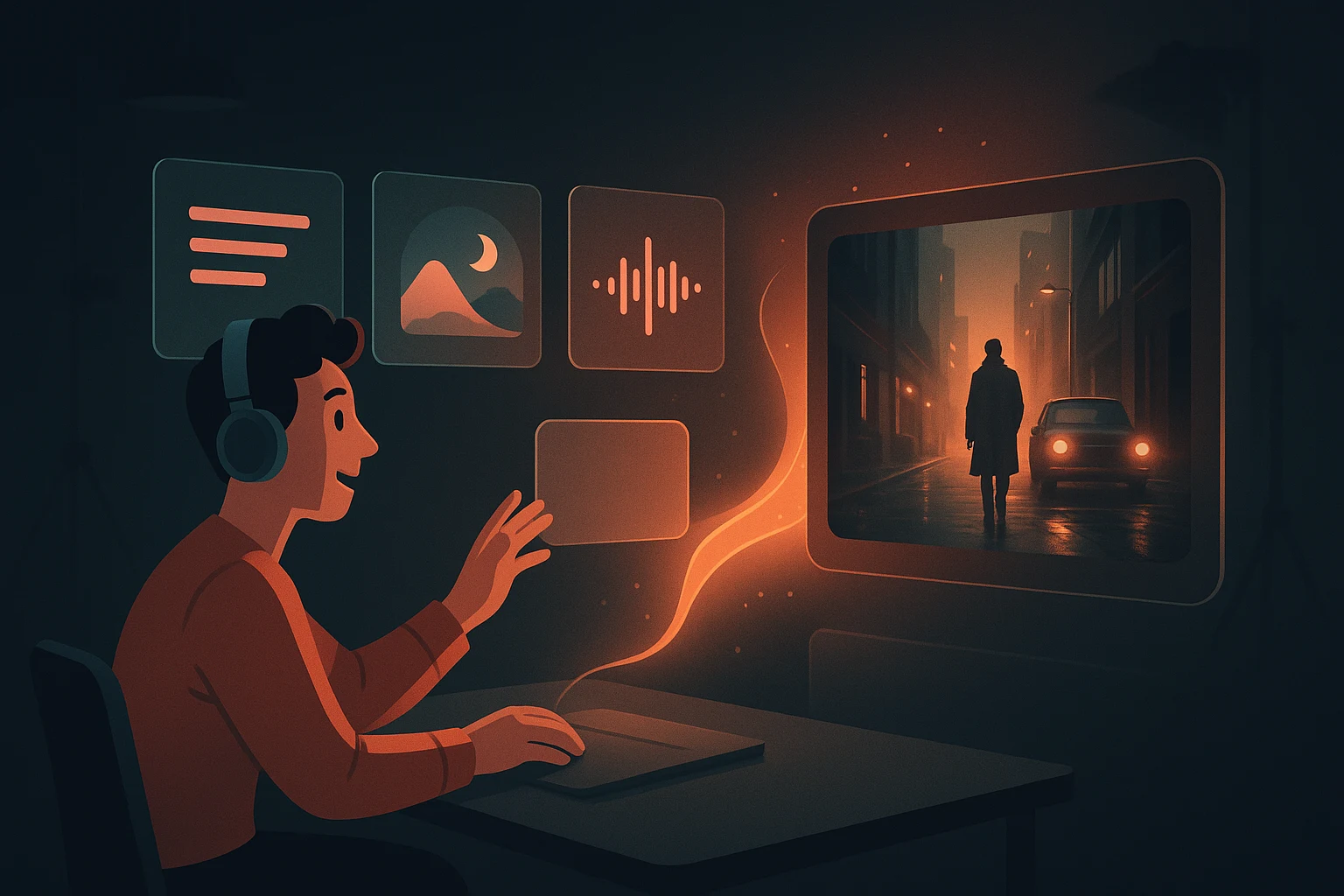
Write subject, action, camera
Three things in that order. Style and mood refine a clear shot and cannot rescue an unclear one.
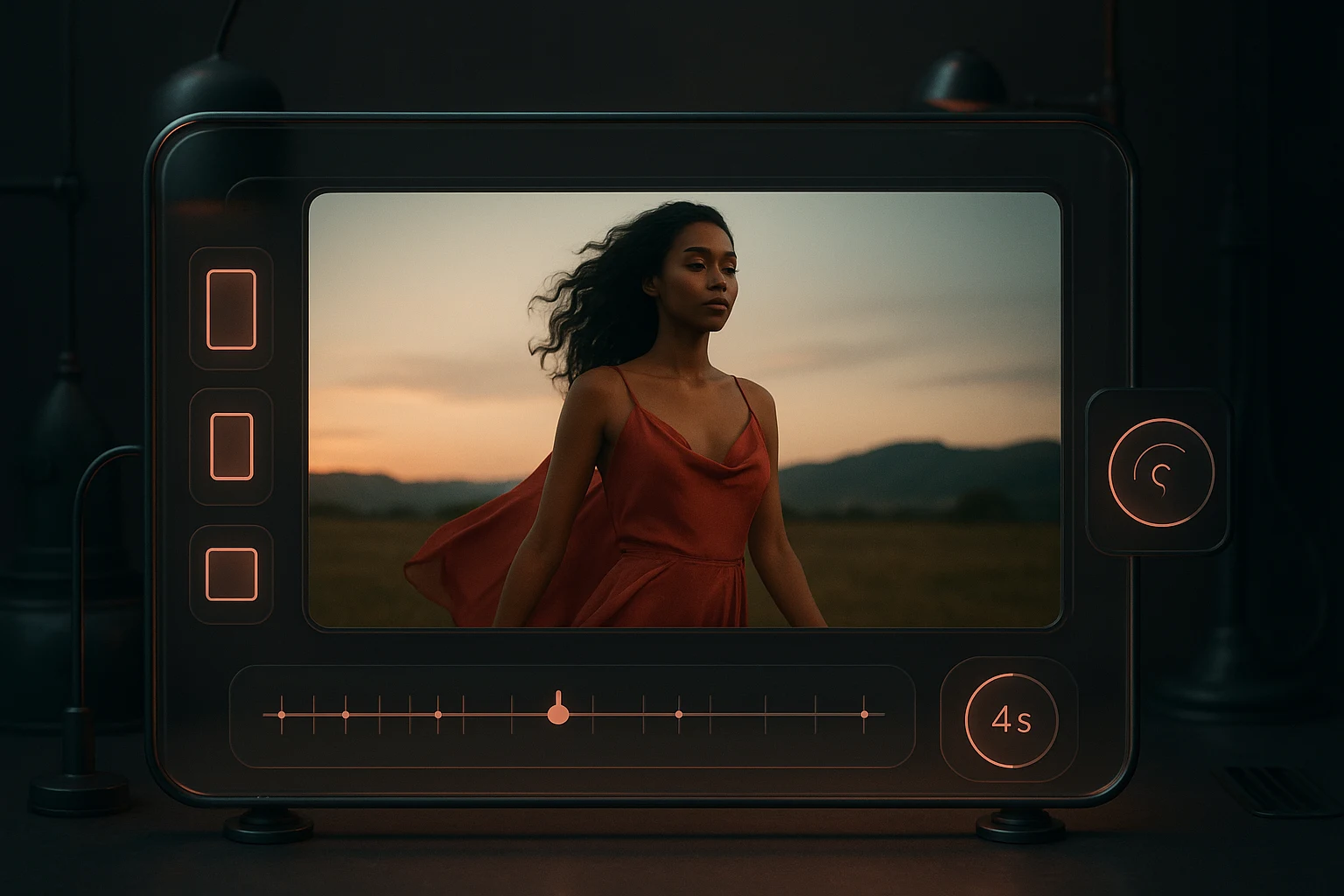
Set format before generating
Aspect ratio, duration and resolution chosen up front avoid a regeneration that only fixes framing.
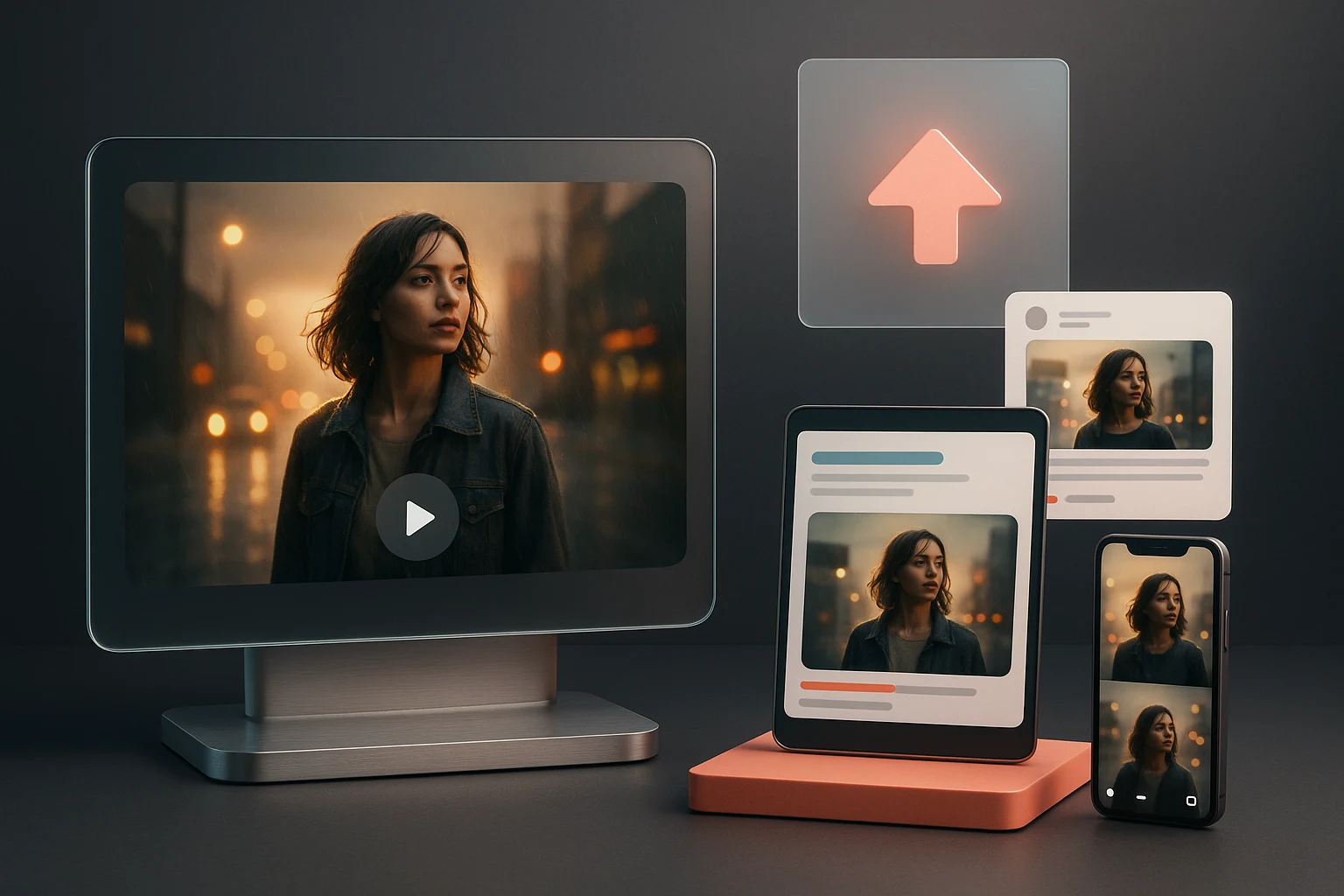
Diagnose the take, change one input
Decide whether the subject, the motion or the look failed, and change only that. Rewriting everything teaches you nothing.
Seedance 2 Pro Video Generator Controls
The inputs and settings available on a generation.
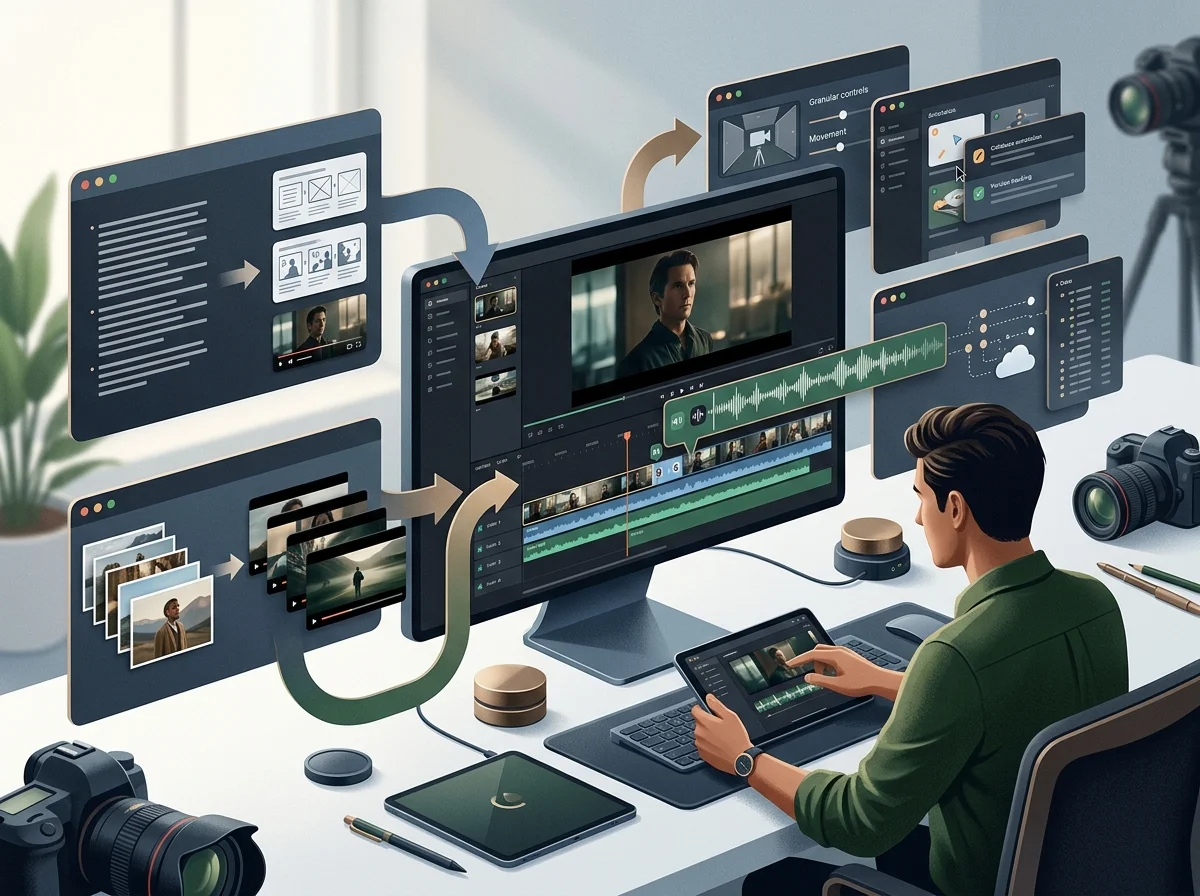
Text-to-video input
Generate a shot from a written description alone.
Image-to-video input
Animate a supplied frame, preserving its composition.
Multimodal reference set
Seedance 2.0 accepts up to 9 images, 3 videos and 3 audio files in reference mode, with per-type size, format and duration limits.
First and last frame mode
Seedance 2.0 can accept one opening image and an optional final image when its image mode is selected.
Format controls
Seedance 2.0 exposes six aspect ratios, 4–15 second duration and 480p or 720p output. Other models own different settings.
Output review
Generated motion, identity, text, prompt adherence and audio can drift. The form does not guarantee multilingual lip-sync or production readiness.
Seedance 2 Pro Video Generator in numbers
What a run costs and returns
Available in the form today, each priced in the same credits.
Per run, depending on the model and length chosen.
Video covered per credited run, by model.
Includes a commercial licence for what you make.
The longest prompt every model on this page accepts.
Frequently Asked Questions About Seedance 2 Pro
Answers about input choice, model-specific controls, clip duration, consistency, credits and output review.
Run Your First Generation
Pick an input, set the format, and generate. The controls that matter are on the page - the rest is iteration.
