

Create AI Video, Images and Music with Seedance 2 Pro
Choose a current model, use only the inputs and controls shown in its form, review the credit estimate, and inspect every generated result.
Public discussion of the upstream Seedance model
These posts discuss the upstream model and do not constitute reviews, endorsements, or usage evidence for this independent service.
What does Seedance 2 Pro provide?
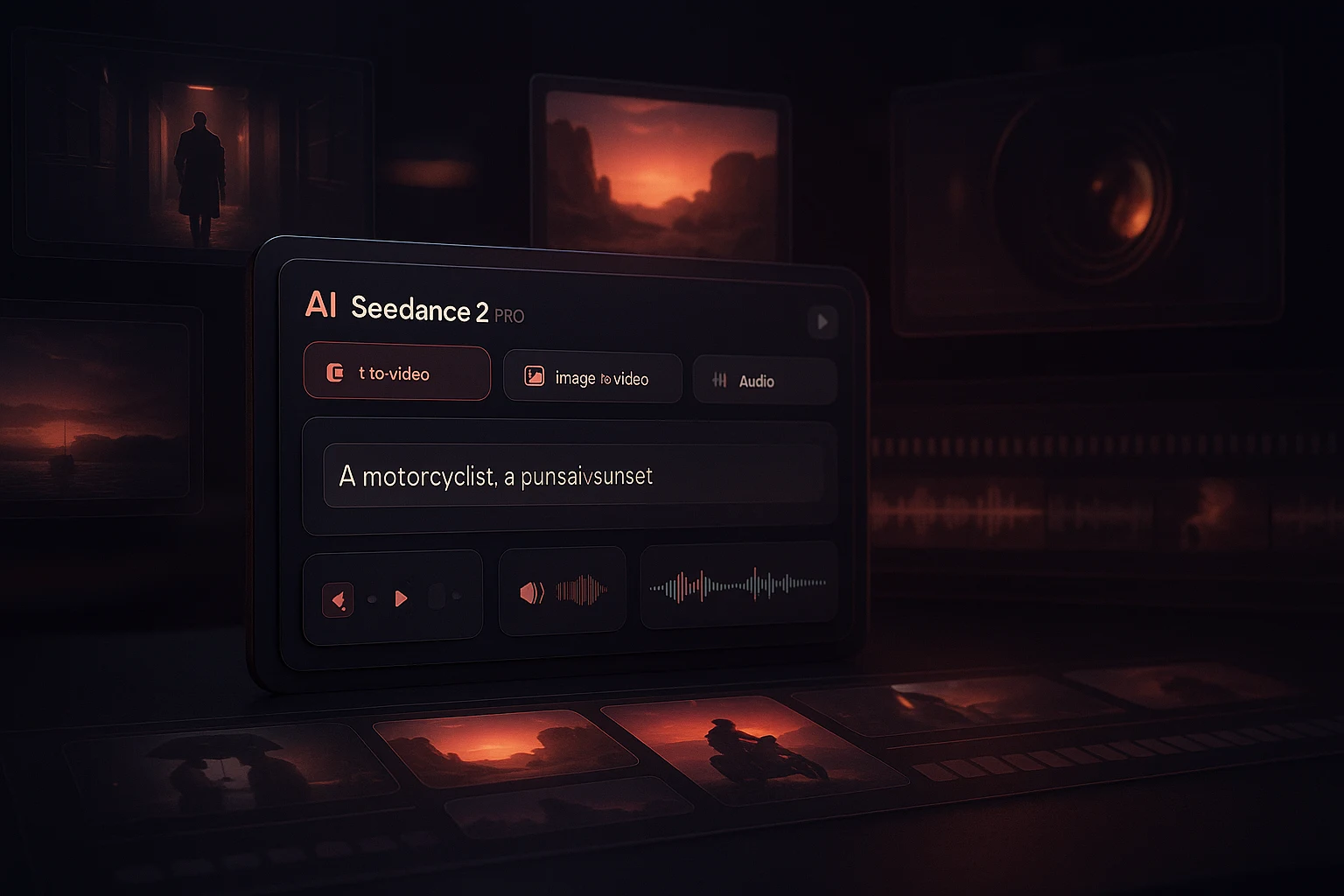
Seedance 2 Pro is an independent browser workspace with separate video, image and music generators. Each live form is the source of truth for available models, inputs and settings.
Model-specific video generation
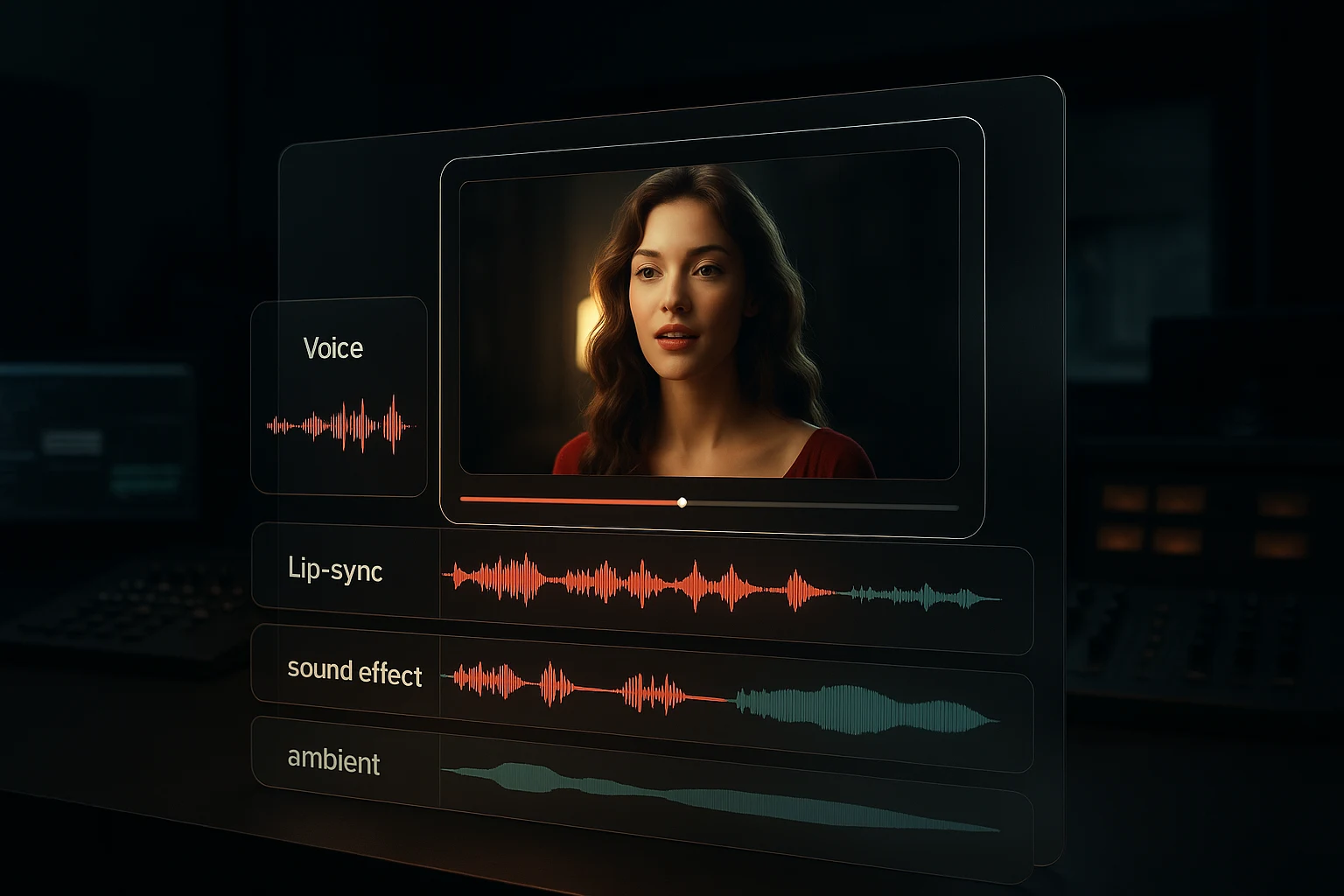
The video generator offers text, image and reference modes where supported. Audio generation, duration, resolution and other controls vary by selected model.

Explicit reference limits
For Seedance 2.0 reference mode, the form accepts up to 9 images, 3 videos and 3 audio files, subject to type, size and duration limits shown before upload.
Separate image and music tools
The image and music generators use their own selectable models and controls. They do not inherit Seedance video capabilities merely because they share this site.

Review before publication
Generated media can miss prompt details, distort identity, mishandle text, motion or audio, and vary between runs. Inspect each result at its delivered resolution.
How should you choose a workflow?
Choose by required input, output, controls, current model access and credit cost rather than assuming every model or media type behaves alike.
How to submit and review a generation
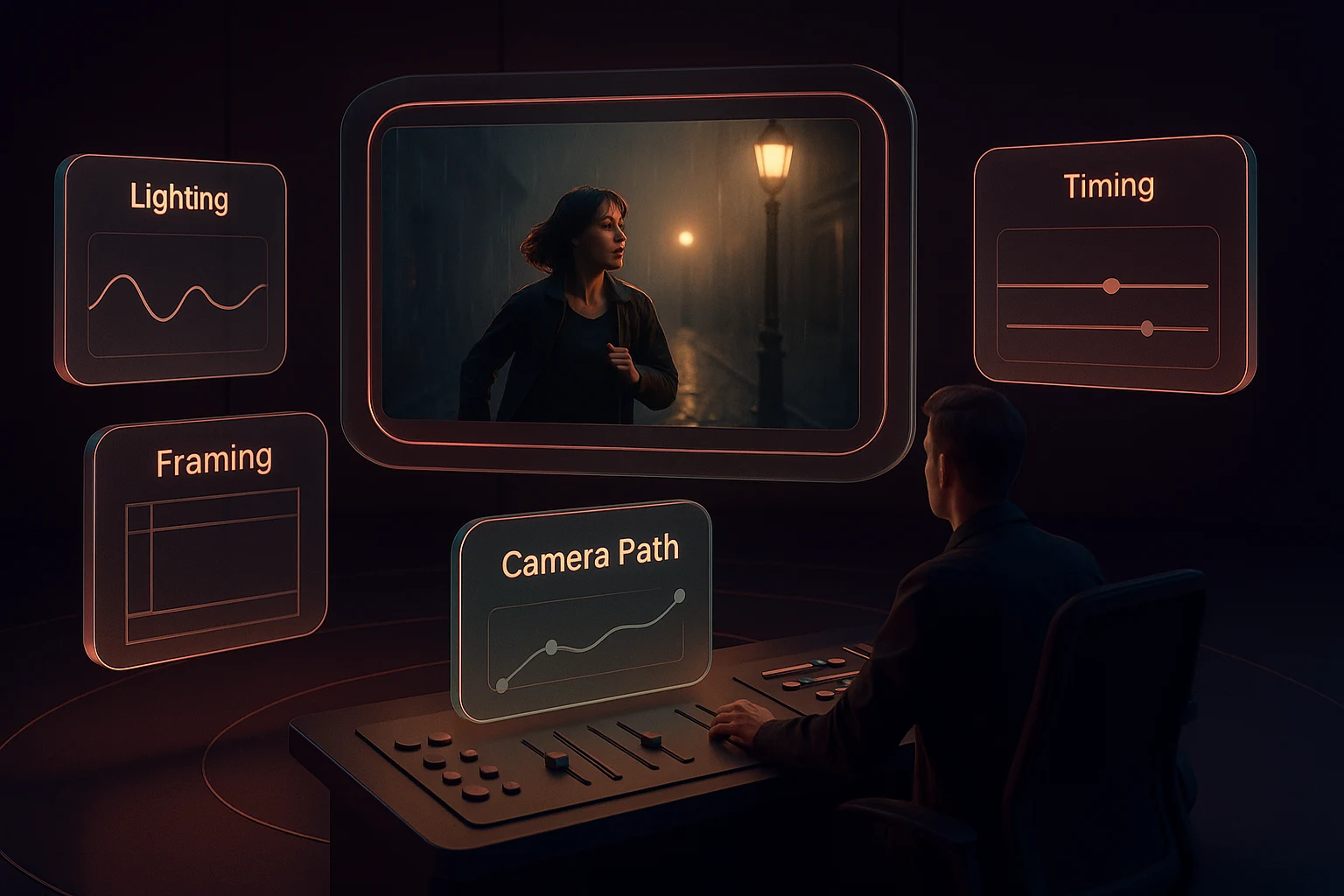
Use the current form rather than generic feature claims: choose a task, inspect its controls, confirm the cost and evaluate the returned output.
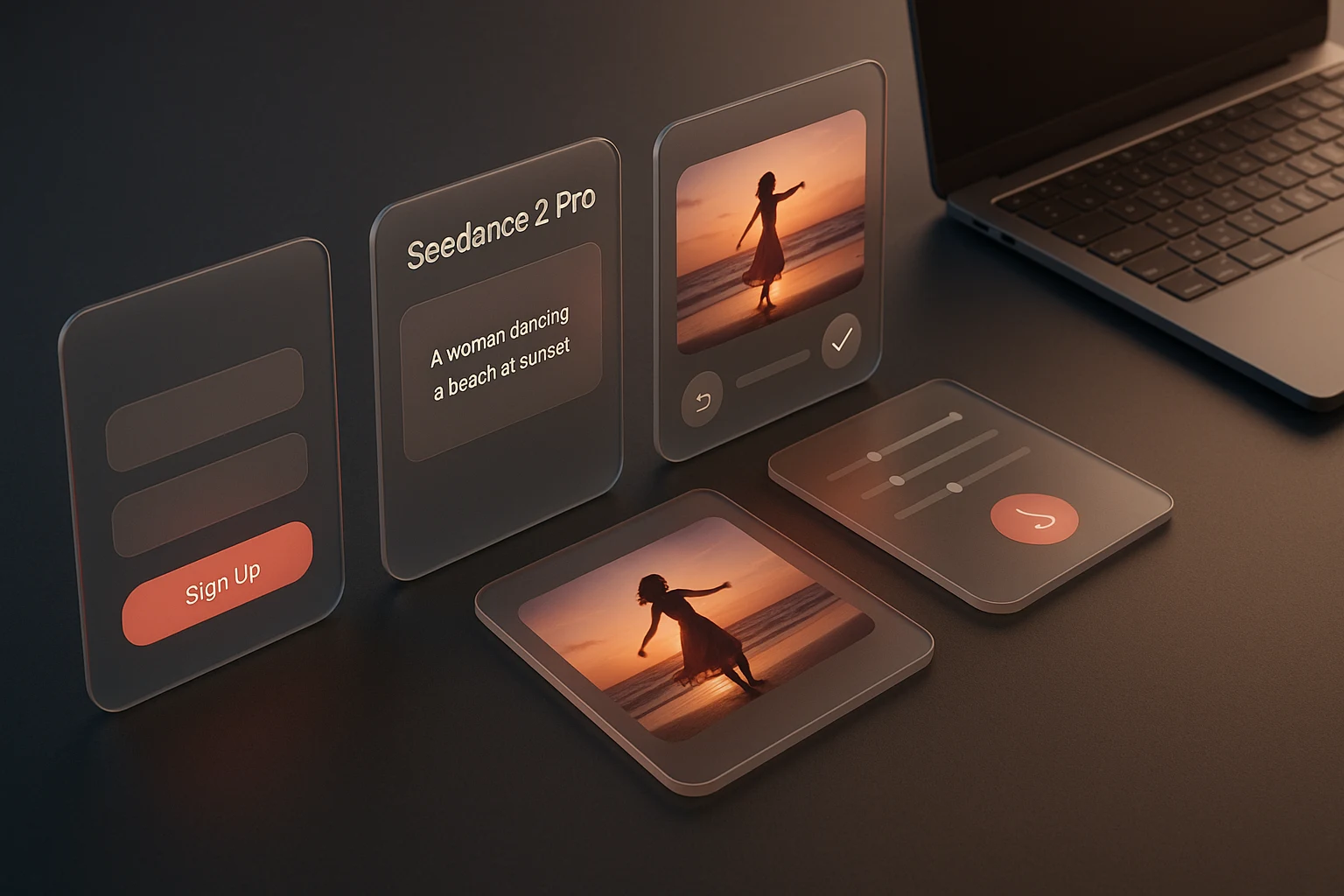

Choose the media task
Open the video, image or music generator that matches the output you need. Each route owns a different model list and form.

Choose an exact model and input mode
Select one of the model names shown, then use text, image or reference inputs only when that model's live form exposes them.
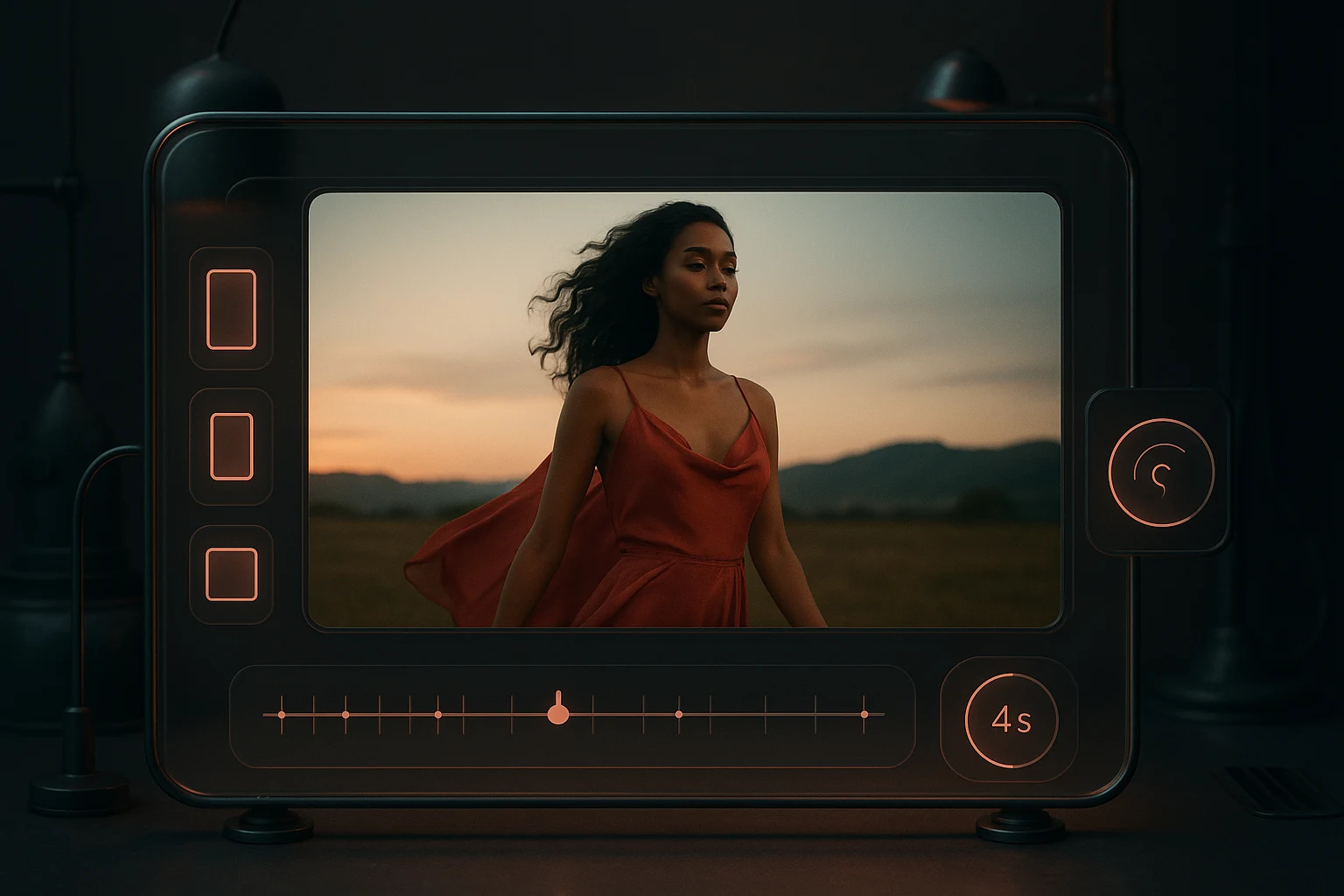
Review controls and credits
Check duration, resolution, ratio, audio and reference controls plus the displayed credit estimate before submission. Options vary by model.

Inspect, download and iterate
Review the returned media for errors and rights risks, download when usable, then change one input or setting before the next run.
What the current workspace exposes
The workspace provides separate generators, a current model inventory, visible credit pricing and canonical policy/support pages.
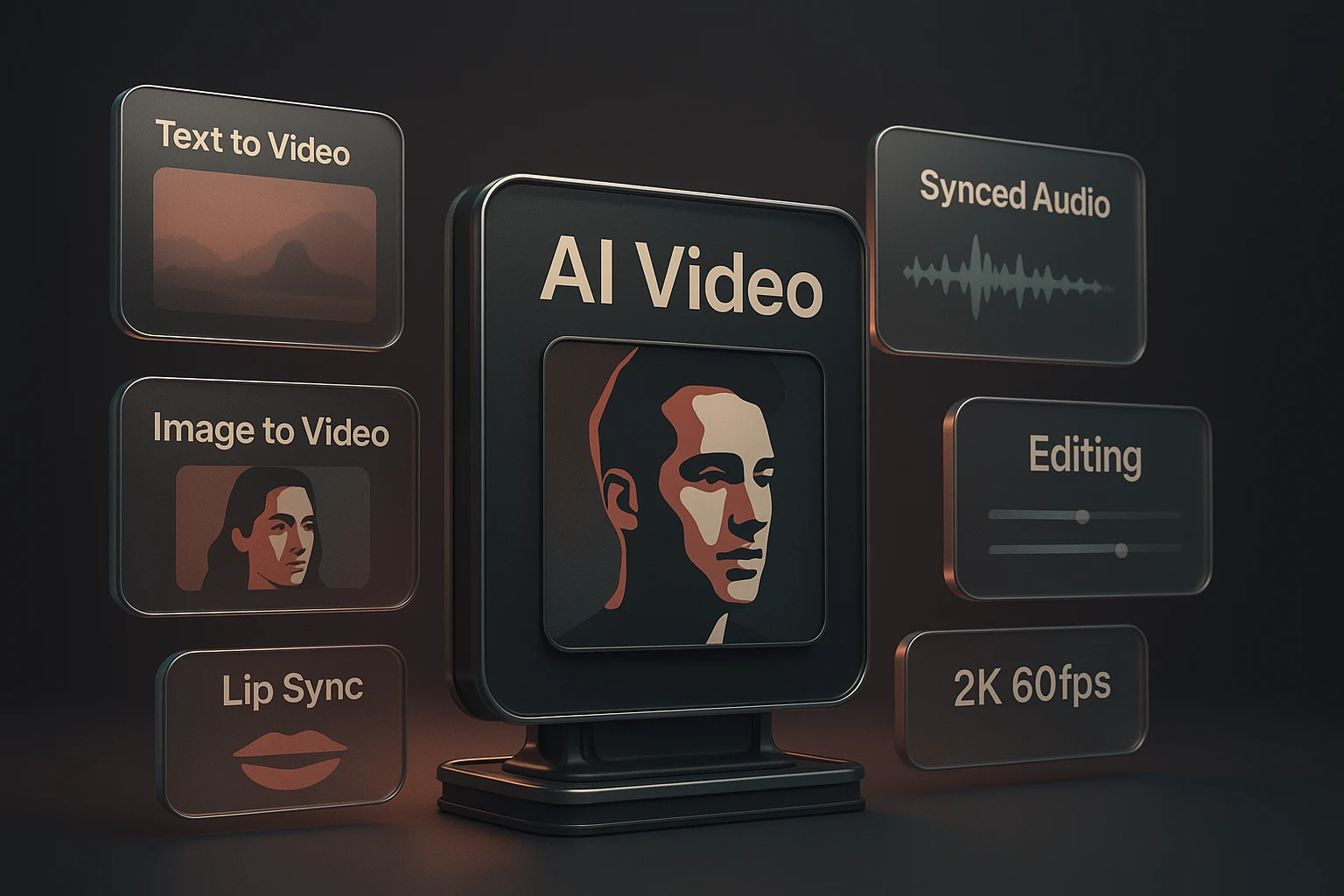
Text-led generation
Start from a prompt on models whose form exposes a text input. Prompt adherence and output quality still require review.
Image-led video generation
Use a source image when an image-capable video model is selected. The image guides the result but does not guarantee identity or detail preservation.
Optional model-native audio
Some video models expose audio generation while others do not. The selected form, not the site name, determines whether audio is available.
Reference-based generation
Reference media is available only on compatible models and remains subject to per-type count, size, format and duration limits.
Model-specific output settings
Resolution, duration, aspect ratio and frame behavior differ between models. Read the current controls before spending credits.
Separate image and music generators
Image and music generation use their own models and input controls; neither is presented as a hidden capability of the Seedance video model.
Workspace boundaries in numbers
These counts describe the current site structure, not audience size, output volume or model quality.

Separate video, image and music forms in one workspace.
Shared across every submitted run.
Pricing, privacy and support each have one canonical page.

Where are Seedance 2 Pro facts verified?
Use these first-party owners to verify model availability, live controls, costs, rights, data handling and support instead of relying on anonymous testimonials.

AI Models
The AI Models page lists current selectable names and whether each option requires a paid plan.

Live generator forms
Each generator form owns the inputs, settings and model-specific controls available for a submitted run.

Pricing
The Pricing page owns current plans and credits; the form shows the estimate for the selected model and settings.

Terms of Service
The Terms page defines prohibited uses and the conditions that apply to generated output.

Privacy Policy
The Privacy Policy is the canonical description of generation inputs, storage, subprocessors and retention.

Support
The Support page owns product questions and problems that cannot be resolved from the current form or policy pages.
Frequently Asked Questions About Seedance 2 Pro
Answers about the independent workspace, model-specific controls, Seedance 2.0 limits, credits, rights and output review.
Choose a current model and inspect its controls
Open the video generator, select an exact model name, add only supported inputs, review the credit estimate and evaluate the returned clip before use.
