
Seedance 2 Pro Image Generator
Choose a current image model, add only supported text or reference inputs, confirm output settings and credits, then inspect the returned image.
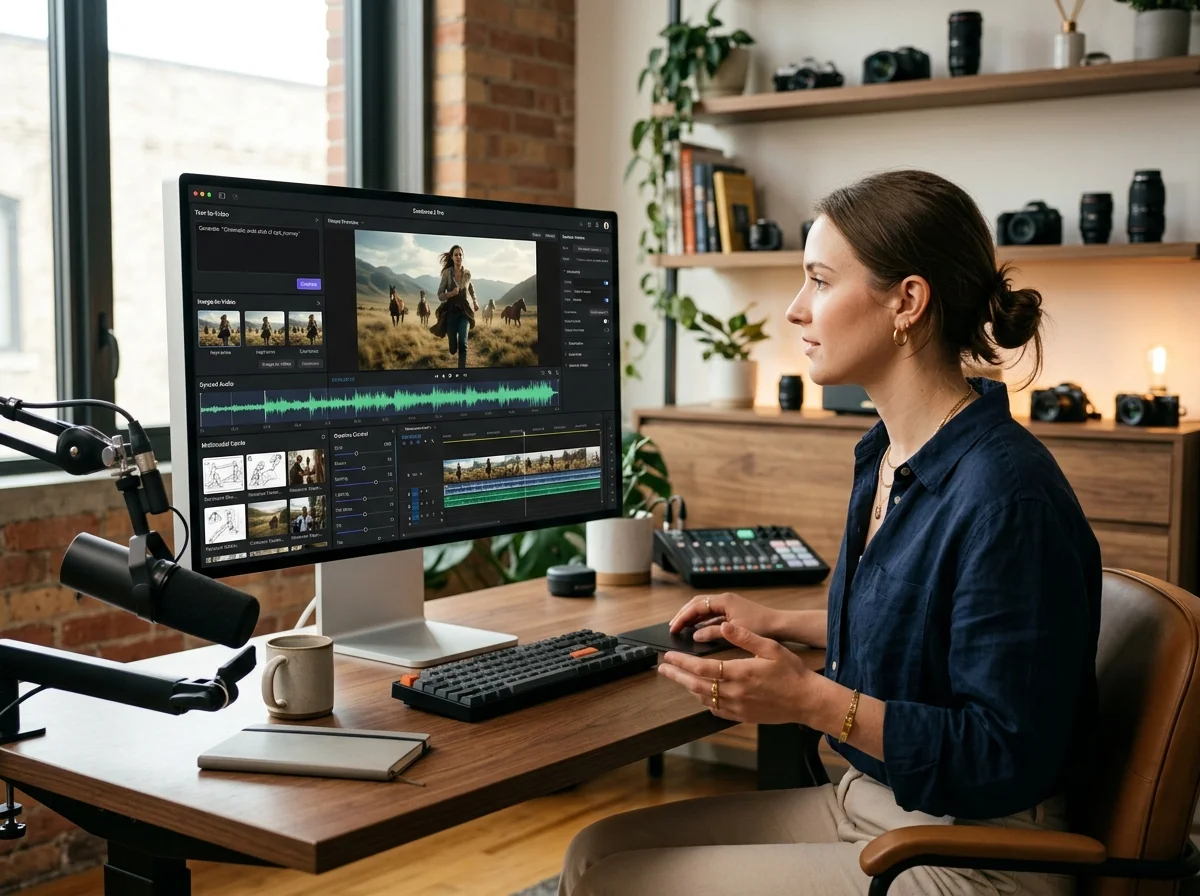
What the Seedance 2 Pro Image Generator Does
This image generator uses a separate image-model catalogue. Input types, reference limits, aspect ratios, resolutions and access requirements change with the selected model.
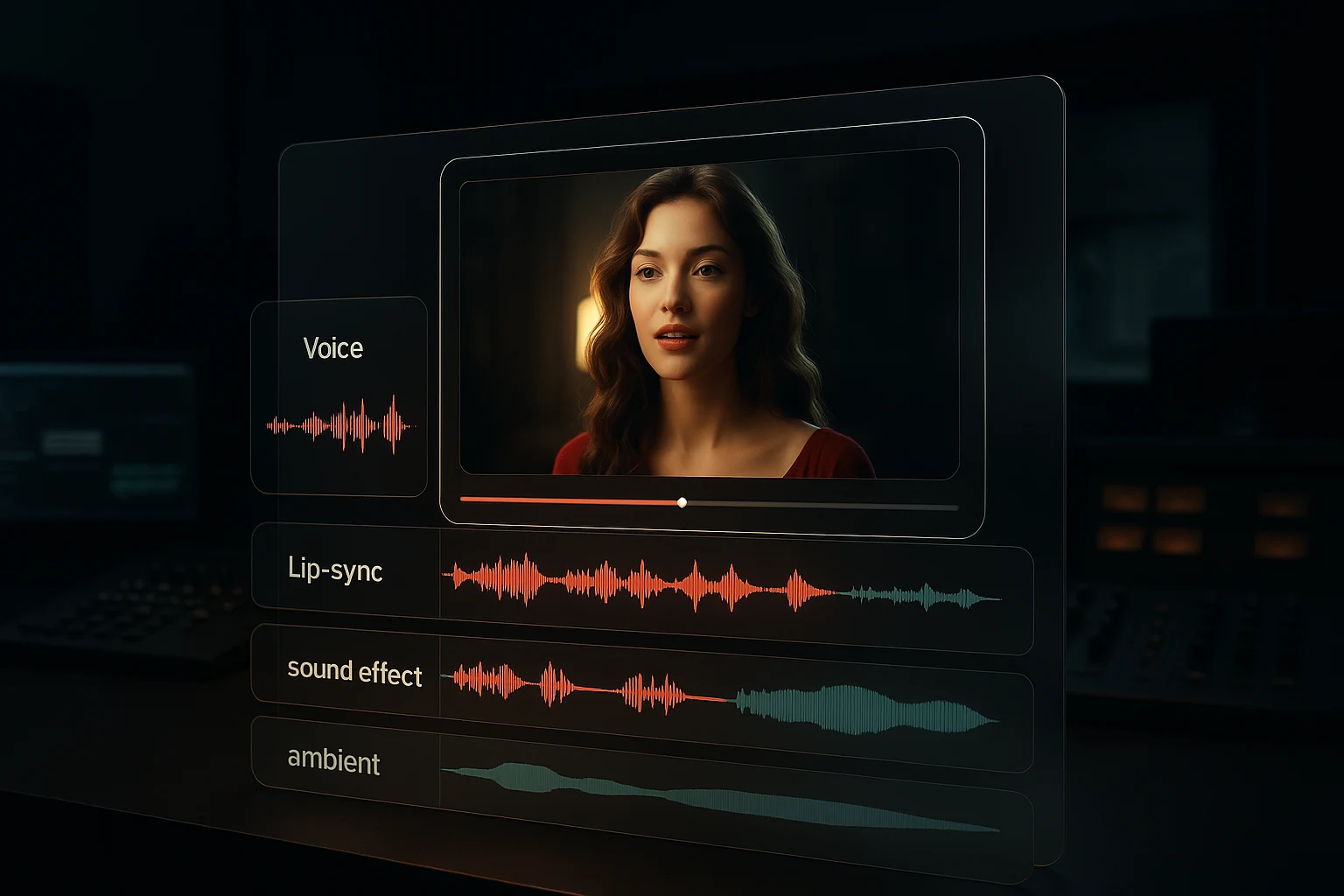
Text to image
Describe the subject, framing and lighting on a text-capable model, then inspect whether the returned image followed each required detail.
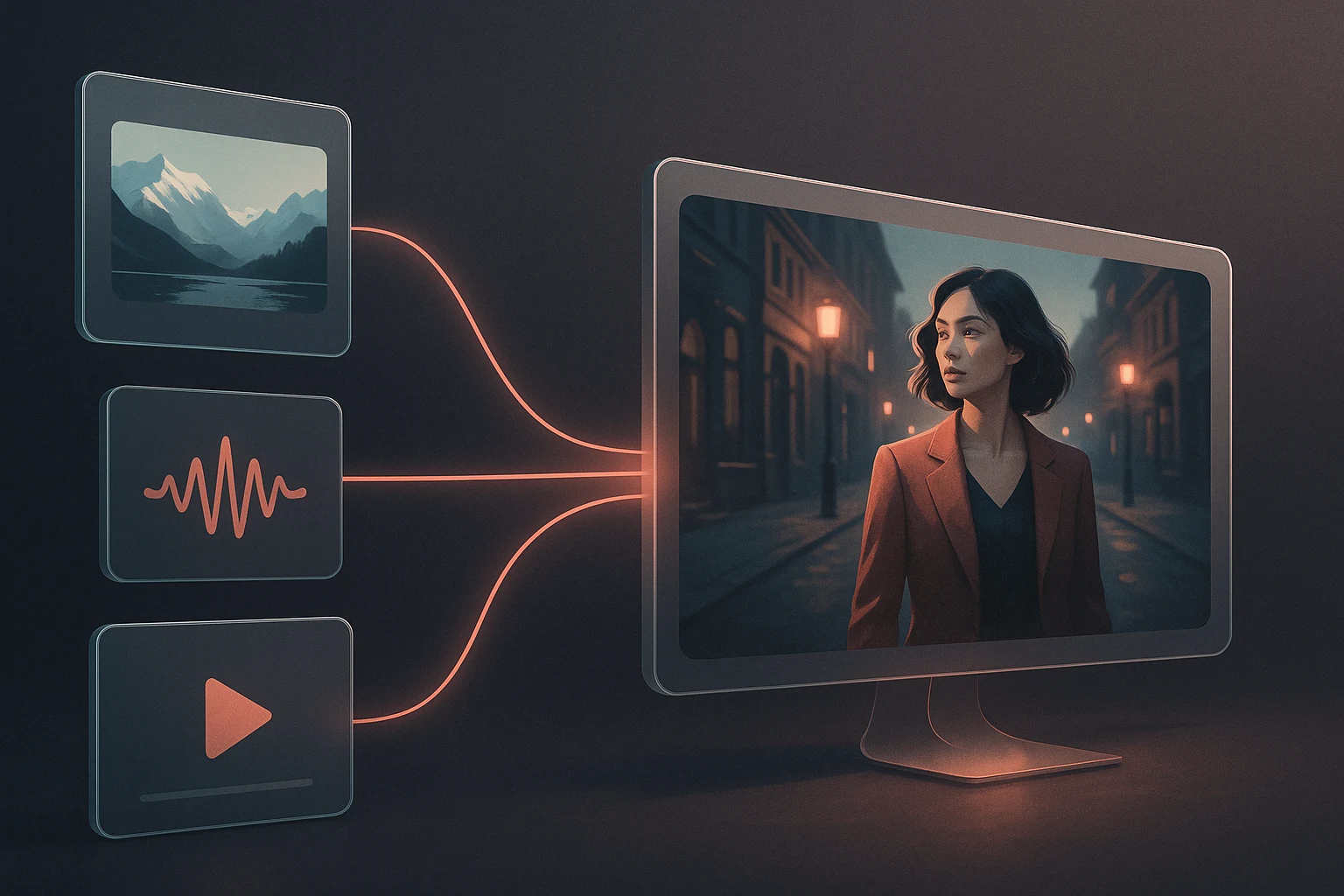
Image to image
Supply a reference to a compatible model and describe the intended edit. The source guides the result but does not guarantee subject identity or layout preservation.
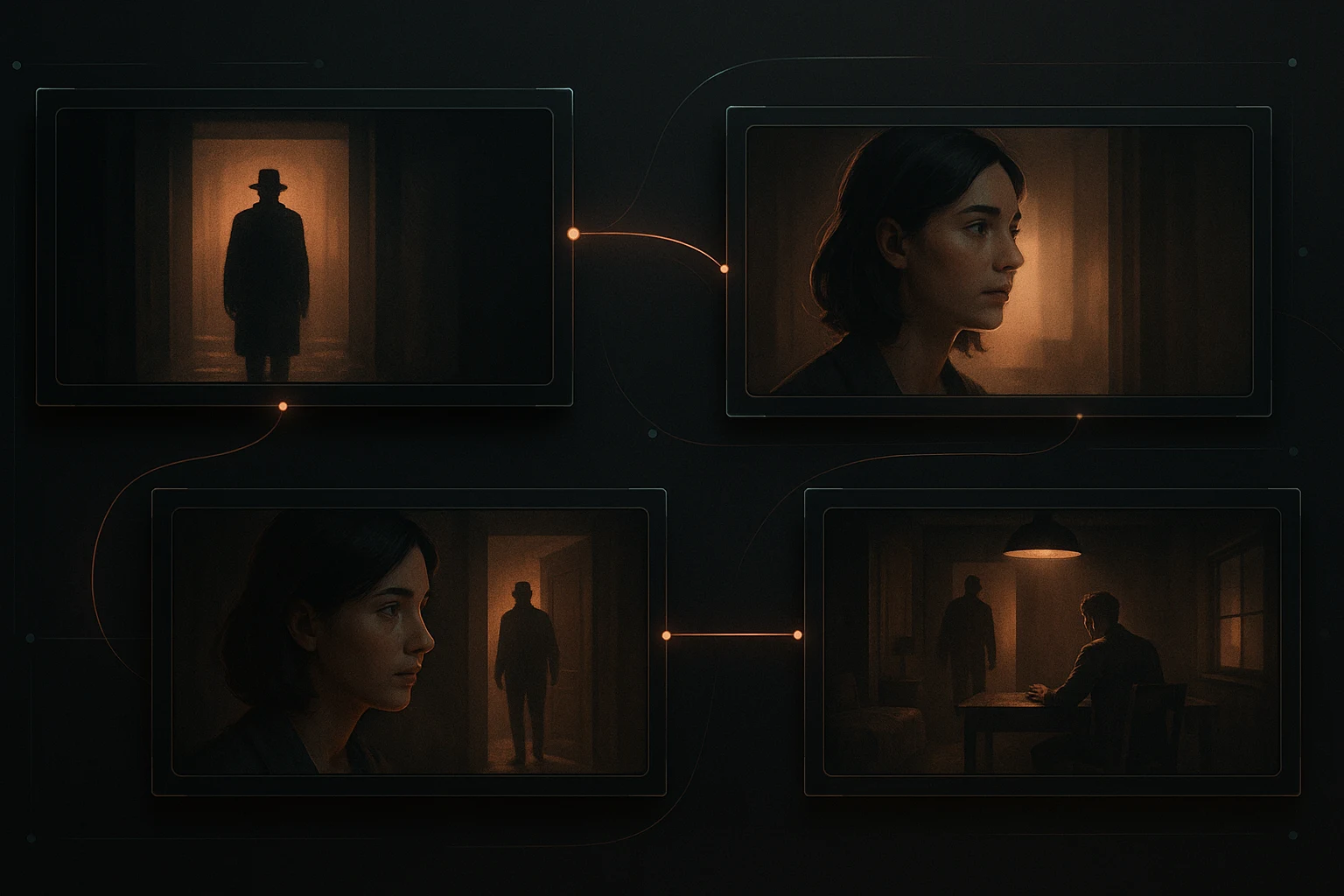
Model-specific reference limits
Some image models accept references and others are text-only. The live upload control states accepted formats, file size and image count.
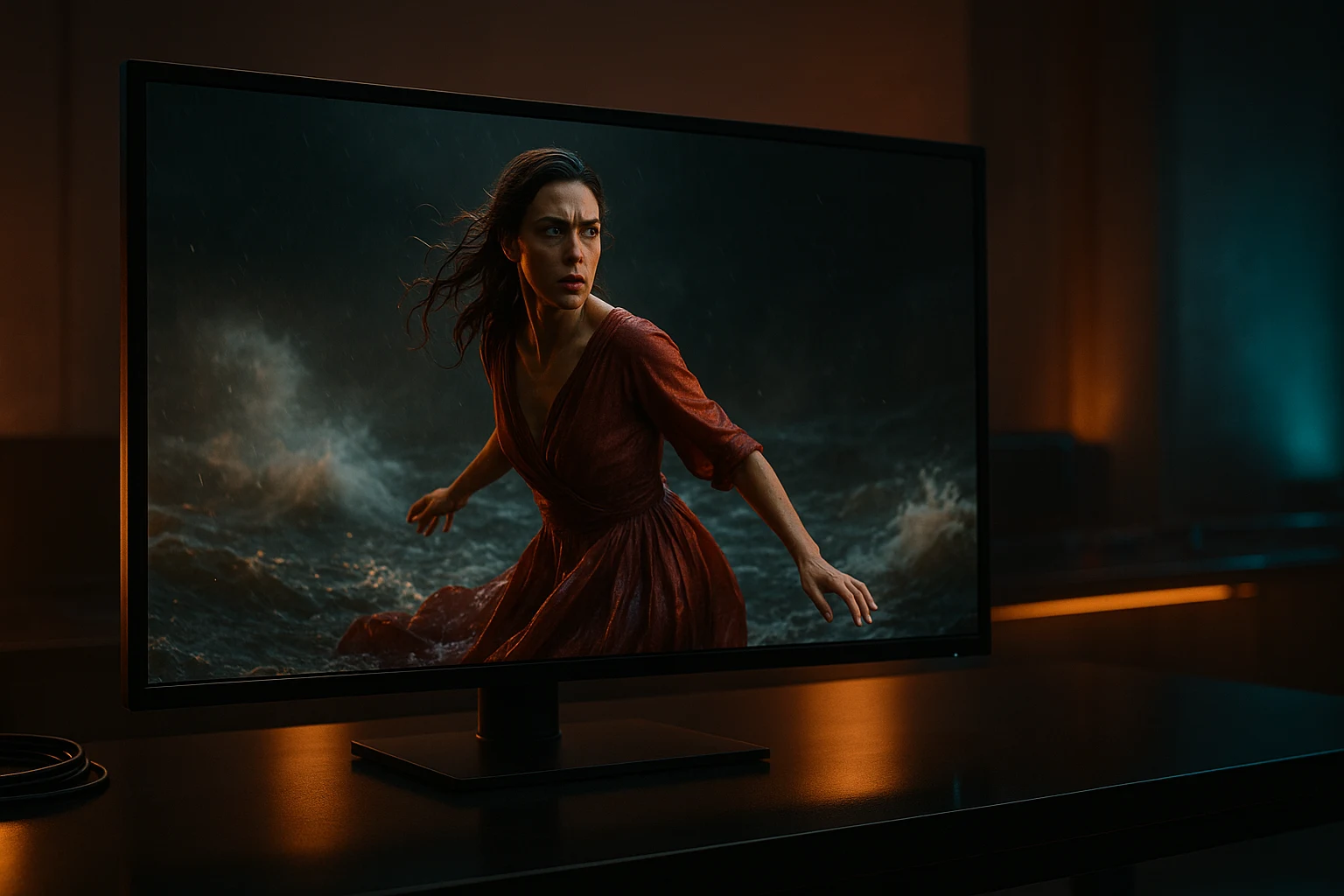
Images for downstream video work
A downloaded still can become a source image for a compatible video model, but composition, identity and detail can still drift during animation.
Why Generate Stills Here
The case for using the image generator rather than reaching for a general-purpose image tool.
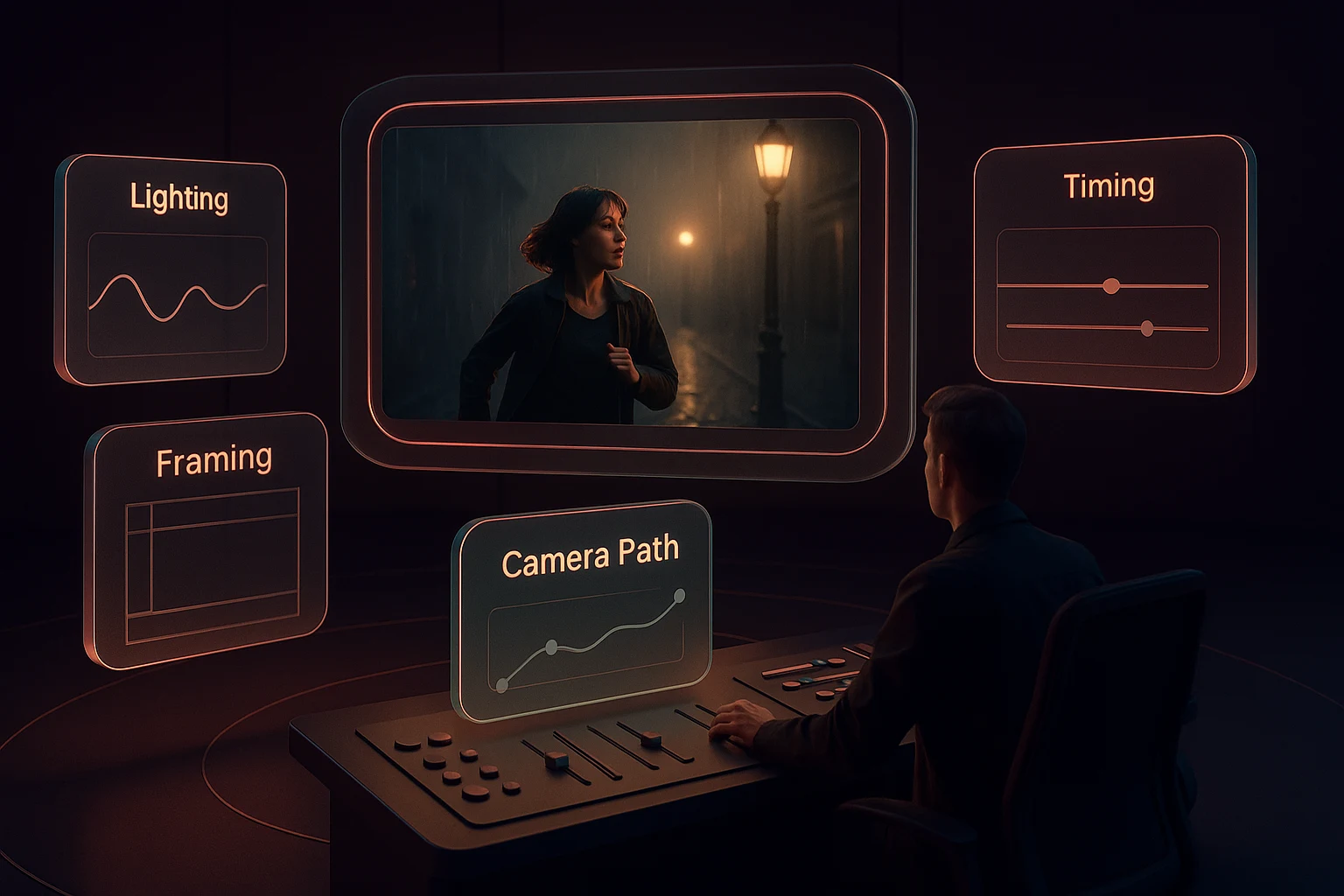
How to Generate an Image With Seedance 2 Pro
Four steps from a prompt or a reference to a finished still.
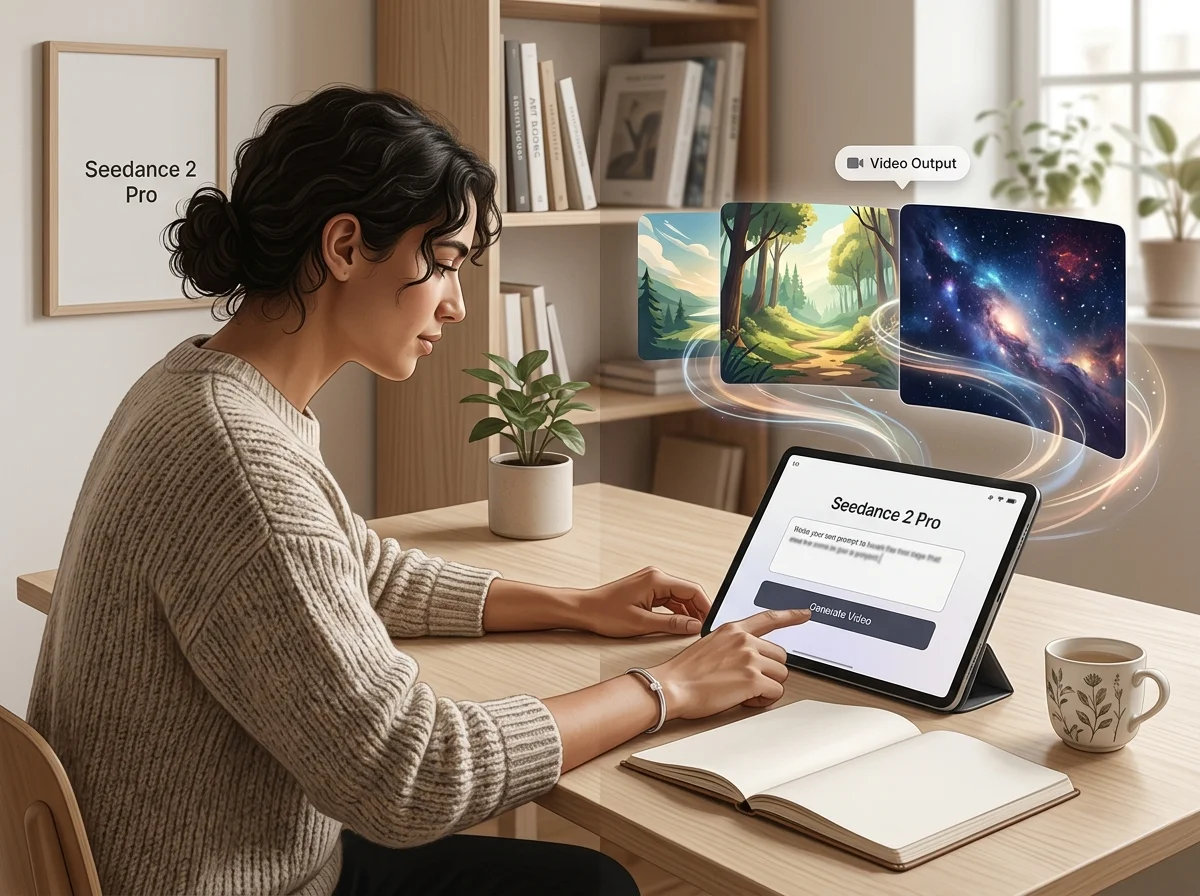
Choose text-to-image or image-to-image
Start from a description when nothing is fixed; start from a reference when the subject or the look already exists.
Describe the subject, then the frame
Say what is in shot before you describe treatment. Lighting and lens language refine a clear subject but cannot rescue a vague one.
Add supported references
Use the reference count, type and size accepted by the selected form. Do not assume one model's upload allowance applies to another.
Pick the ratio, then export
Choose the aspect ratio for where the still is going, generate, and download at full resolution.
Seedance 2 Pro Image Generator controls
What the current multi-model image form can expose, with availability and limits determined by the selected option.
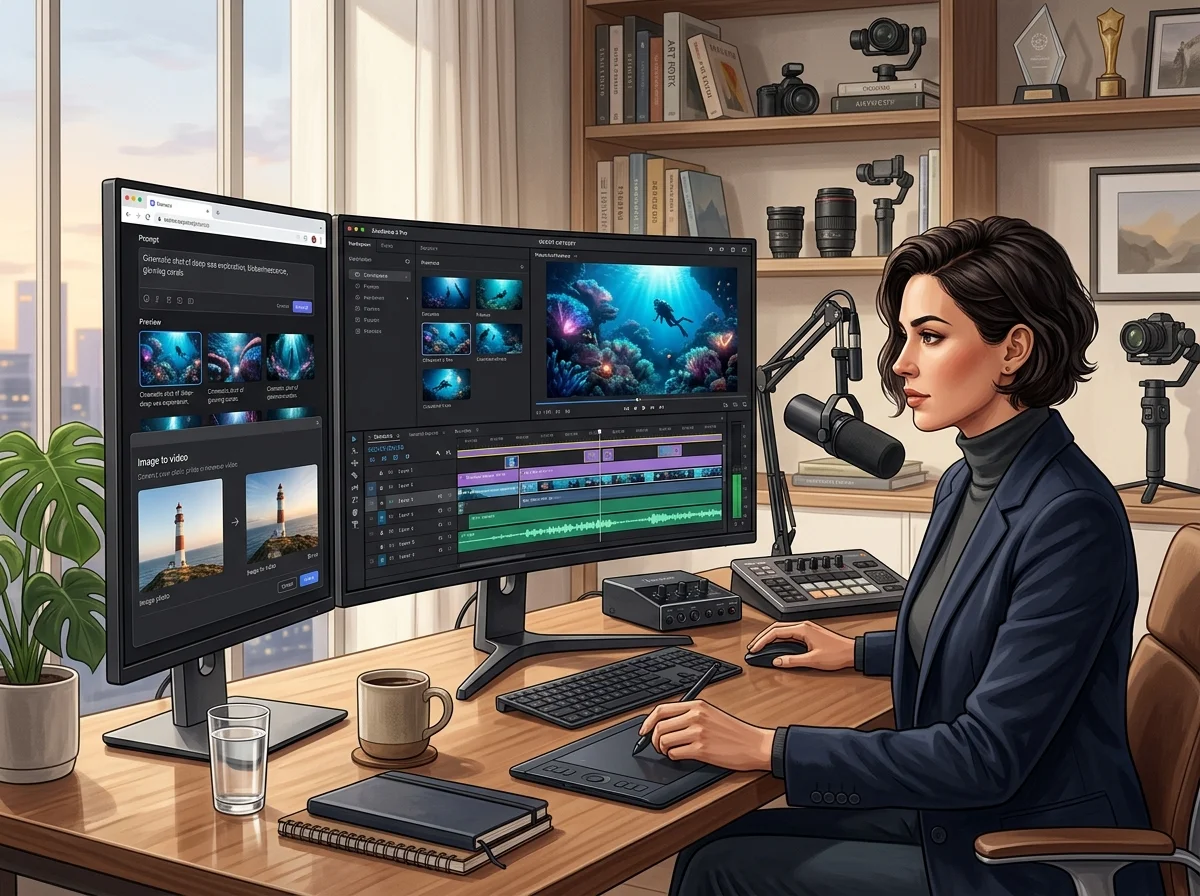
Text-to-image generation
Finished stills from a written description, with no source asset required.
Image-to-image restyling
Restyle, recompose or extend an existing image while holding the subject.
Reference-image input where supported
Compatible models expose their own reference-image field and file limits; text-only models do not inherit it.
Aspect ratio presets
Choose only from the aspect ratios exposed by the selected model; available ratios can change when the model changes.
Model-specific resolution controls
Available output sizes differ by model and plan. A larger setting does not guarantee correct fine detail or text.
Download for image-to-video
Download a usable still, then upload it only to a video model whose form accepts a source image.
Seedance 2 Pro Image Generator in numbers
What a run costs and returns
Available in the form today, each priced in the same credits.
Per run, depending on the model and length chosen.
Includes a commercial licence for what you make.
The longest prompt every model on this page accepts.
Frequently Asked Questions About Seedance 2 Pro
Answers about image-model choice, text and reference inputs, resolution, credits, consistency and downstream video use.
Generate a Still With the Seedance 2 Pro Image Generator
Start from a prompt or a reference, get a finished image, and take it into motion when you are ready.

GPT Image 2.5: what does this step produce?
Sunburst and Flare return still images for planning a shot. To animate a selected result, save it and start a separate video task.