
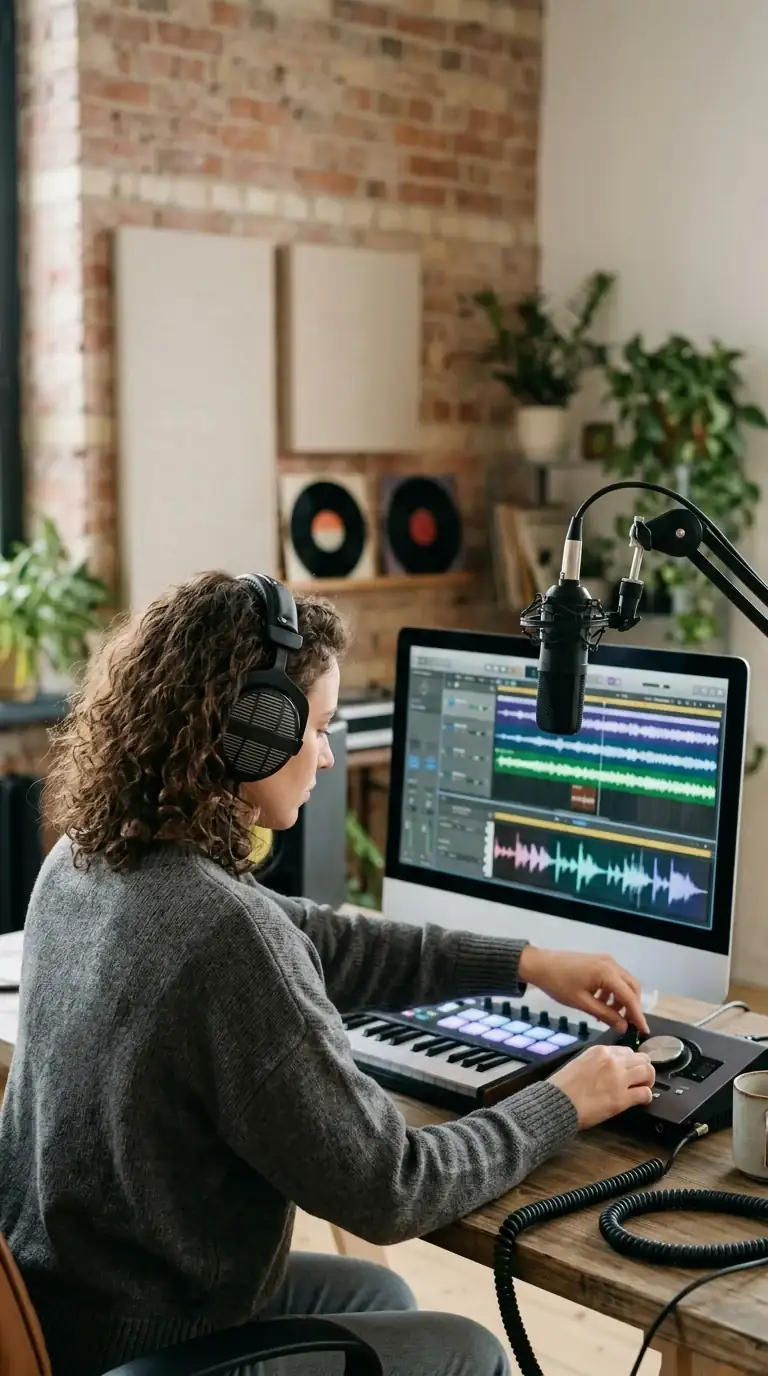
Seedance 2 Pro Music Generator
Choose prompt or custom mode, configure lyrics, style, vocals or instrumental output, review credits, and inspect the returned tracks before use.

What the Seedance 2 Pro Music Generator Does
This page uses a separate music model and form. It supports a short song description or a custom workflow with lyrics, title, style tags and advanced music controls.
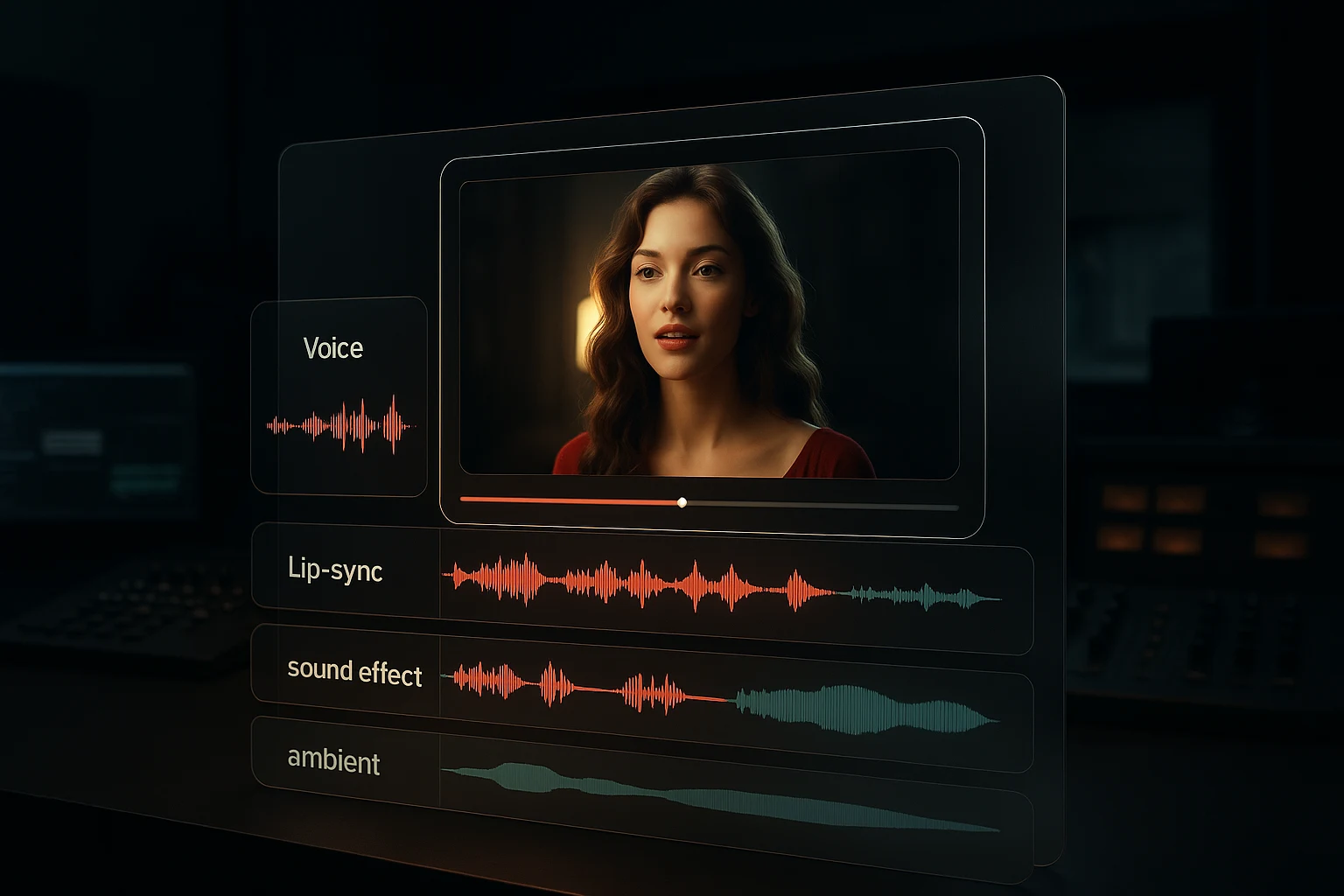
Music from a written brief
Describe genre, tempo, instrumentation and mood, then review the returned tracks. Rights still require the current plan and terms check.

Prompt and custom modes
Prompt mode starts from a short song description. Custom mode exposes lyrics, title, style and additional vocal or instrumental settings.
Scored to a mood, not a genre tag
Briefs like "restrained, building, ends confident" produce a more usable bed than a genre label alone.

Rights depend on the current plan and terms
Do not infer rights from the generator name. Check the Pricing page, Terms of Service and any additional conditions before publishing generated audio.
Why Generate Music Alongside the Video
The practical argument for scoring in the same place you generate picture.
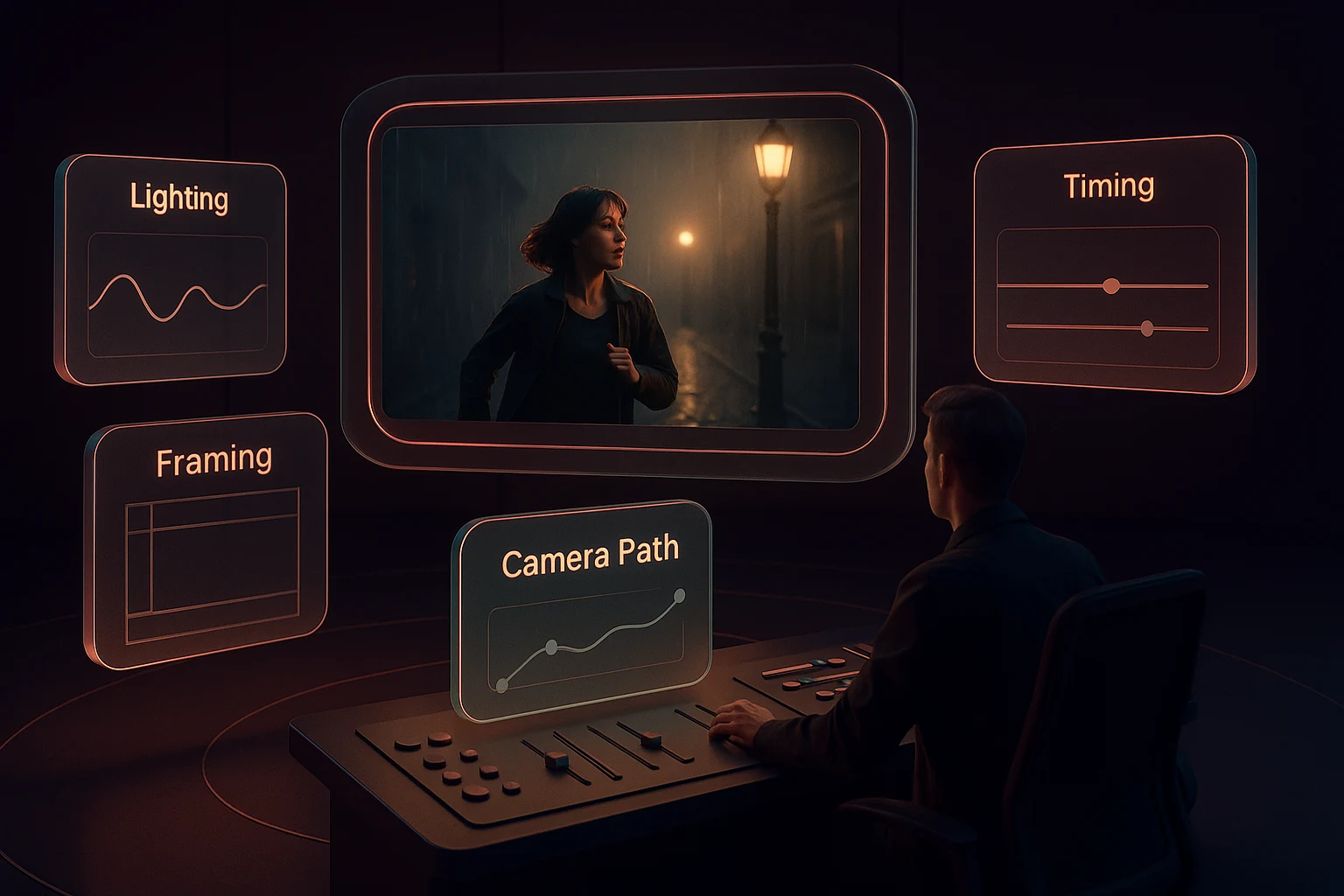
How to Generate Music With Seedance 2 Pro
Four steps from a song idea to reviewed generated tracks.


Write the brief
Genre, tempo, instrumentation and mood. Naming what the music should do - build, sit back, resolve - helps more than a longer genre list.

Choose prompt or custom mode
Use prompt mode for a short description, or custom mode when you need lyrics, title, style and advanced vocal controls.
Generate and compare takes
Generate more than one candidate when credits and time permit, then compare composition, vocals, artifacts and suitability before choosing.

Review, download and edit
Compare the returned tracks, check rights and content, download a usable result, and trim or arrange it in a separate editor when needed.
Seedance 2 Pro Music Generation Features
What the current music form accepts and which decisions remain outside it.
Text-to-music generation
Full pieces from a written brief covering genre, tempo and mood.
Prompt and custom generation modes
Choose a short description or a custom song workflow; exact duration is not a direct form control.
Instrumentation direction
Name the instruments that should carry the piece and the ones to keep out.
Mood and dynamics
Brief the shape of the piece - restrained, building, resolving - not just its genre.
Published rights boundary
Pricing and Terms pages, not this feature card, define the current commercial-use conditions.
Separate from video generation
Use downloaded music in a video workflow after review; the music form does not automatically score or synchronize a clip.
Seedance 2 Pro Music Generator in numbers
What a run costs and returns
Available in the form today, each priced in the same credits.
Per run, depending on the model and length chosen.
Includes a commercial licence for what you make.
The longest prompt every model on this page accepts.
Frequently Asked Questions About Seedance 2 Pro
Answers about prompt and custom modes, lyrics, instrumental output, variation, duration limits, credits and rights.
Generate and Review Music With Seedance 2 Pro
Choose prompt or custom mode, review the credit estimate and returned tracks, then handle exact timing in post-production because the form has no duration field.
